
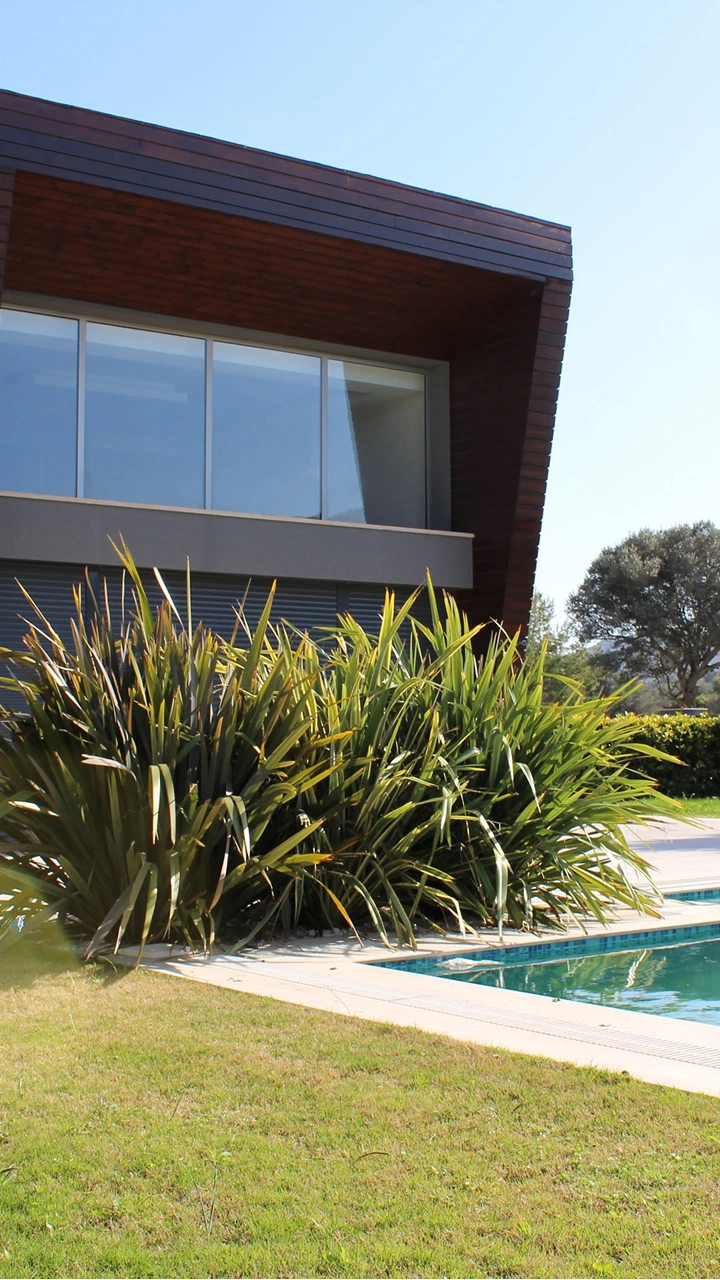
Vertical property video for Shorts
A 9:16 property-video example suitable for a short-form YouTube placement after final listing and crop review.
YouTube Shorts Property Guide
Use listing photos to build a concise 9:16 property video, then give the Short enough title and description context to make sense alongside the rest of your real estate channel.
AI-generated camera motion from listing photos
A YouTube Short sits inside a video channel where viewers may encounter other listings, market videos and longer property content. Give the upload a specific purpose so it remains understandable outside the moment it was first published.
Use a clear property-oriented title and description rather than a generic social caption copied from another platform. The video can be the same vertical asset while the surrounding context is written for YouTube.
Choose a compact set of images that can explain the home on their own: an establishing frame, the principal living spaces and the features that distinguish the property. Avoid a long run of nearly identical room angles.
The Short should give viewers enough visual orientation to decide whether they want more detail, while the listing page remains the source for the complete property record.
Vertical video is the relevant AbodeVid output for a Shorts-style placement. Wide architectural photographs can still lose important edge detail, so review windows, cabinetry, views and room boundaries after generation rather than assuming every source image is equally suitable.
If a key feature is compromised by the crop, choose a different source image or reserve that view for the 16:9 version used on the property page or standard YouTube placement.
When several properties appear on the same channel, vague titles make the library harder to understand. Use truthful identifiers such as property type, area or a distinguishing feature where you are authorised to publish them.
Do not turn the title into a list of unsupported superlatives. Useful context helps a viewer recognise the listing; accuracy still matters more than keyword repetition.
A Short can introduce the listing to a video audience, while the property page, brochure and follow-up material carry the detailed sales information. Keeping those assets connected prevents the Short from becoming an isolated piece of content.
AbodeVid supplies 9:16, 16:9 and 1:1 video outputs for the paid listing, so the YouTube Short can share the same approved property story as the website and other campaign placements.
Use the 9:16 vertical version for a Shorts-style placement. The same paid listing also includes 16:9 and 1:1 outputs.
The file can often be reused, but write the surrounding title, description or caption for the specific channel rather than copying the entire post unchanged.
No. Keep the video concise and direct viewers to the fuller listing information for complete, current property details.
Wide property photographs can place important features near the edges. Review the 9:16 output to make sure the crop and generated motion still represent the source accurately.