Before and after example

See six listing photos become a cleaner branded video

AbodeVid adds AI-generated camera motion to the original listing photos. Visually ambiguous areas may occasionally change, so review every video before publishing. If a technical issue makes the result unusable, we first correct or replace it at no additional cost; if we cannot provide a usable result, we refund the affected campaign.

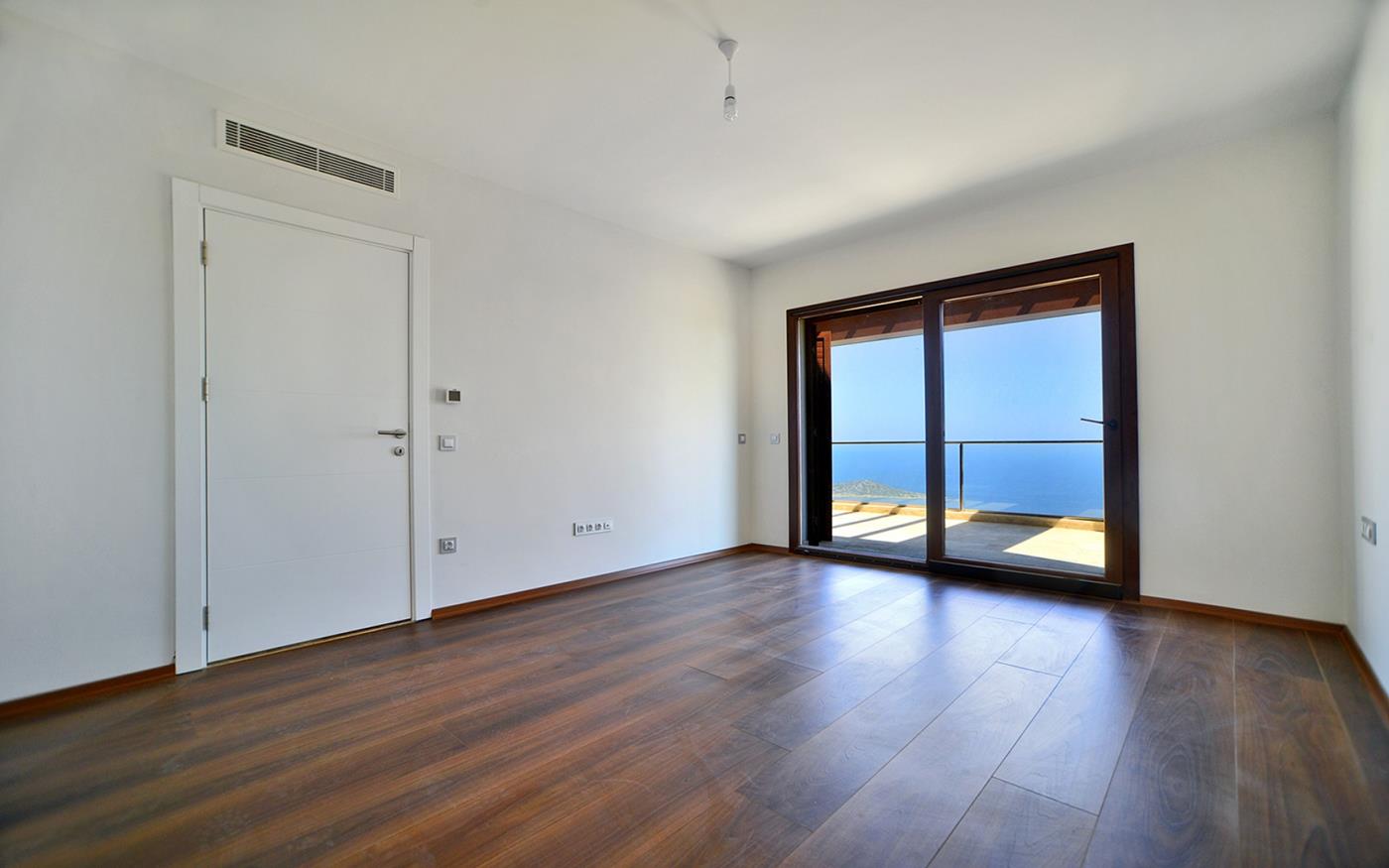
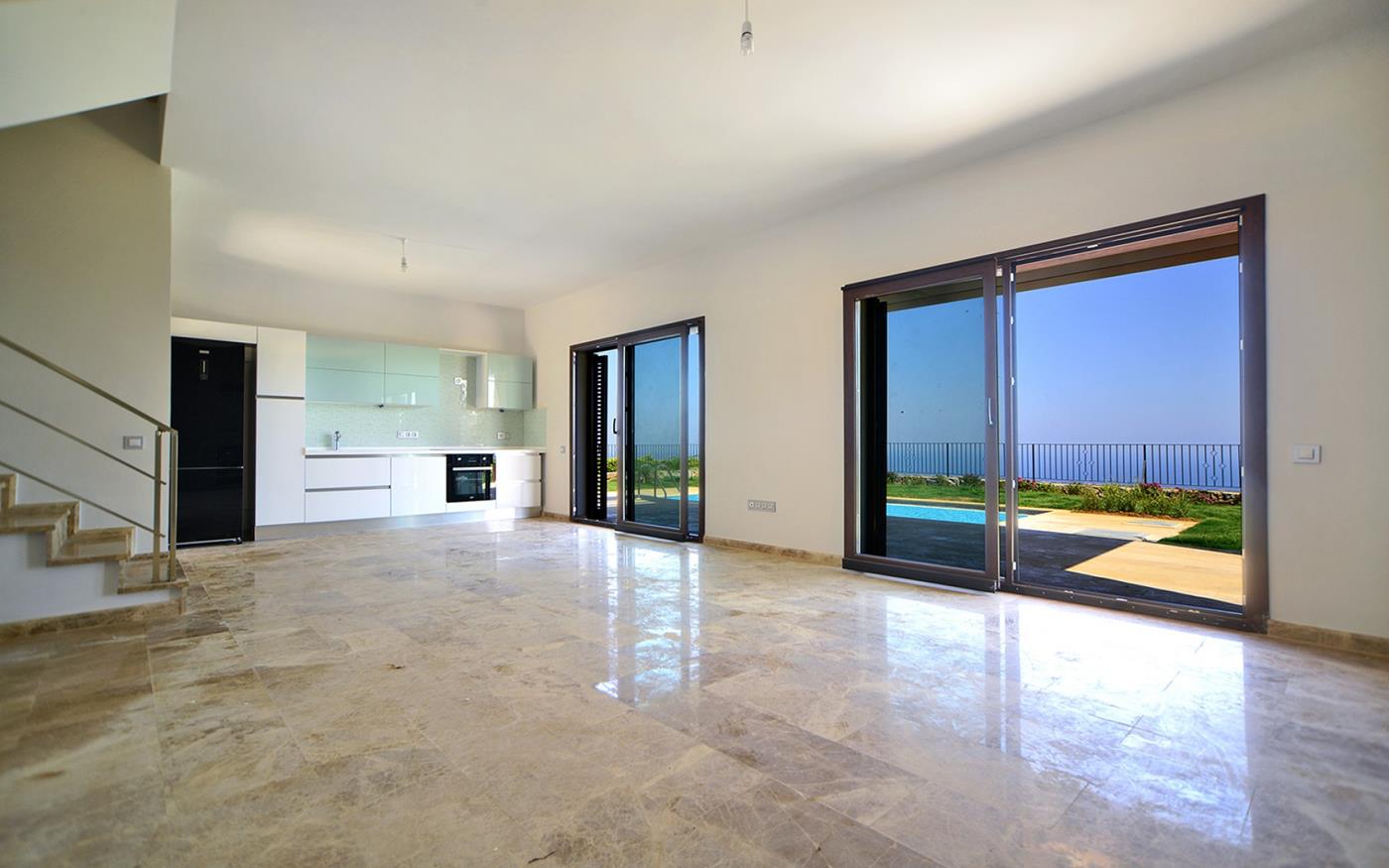
Before
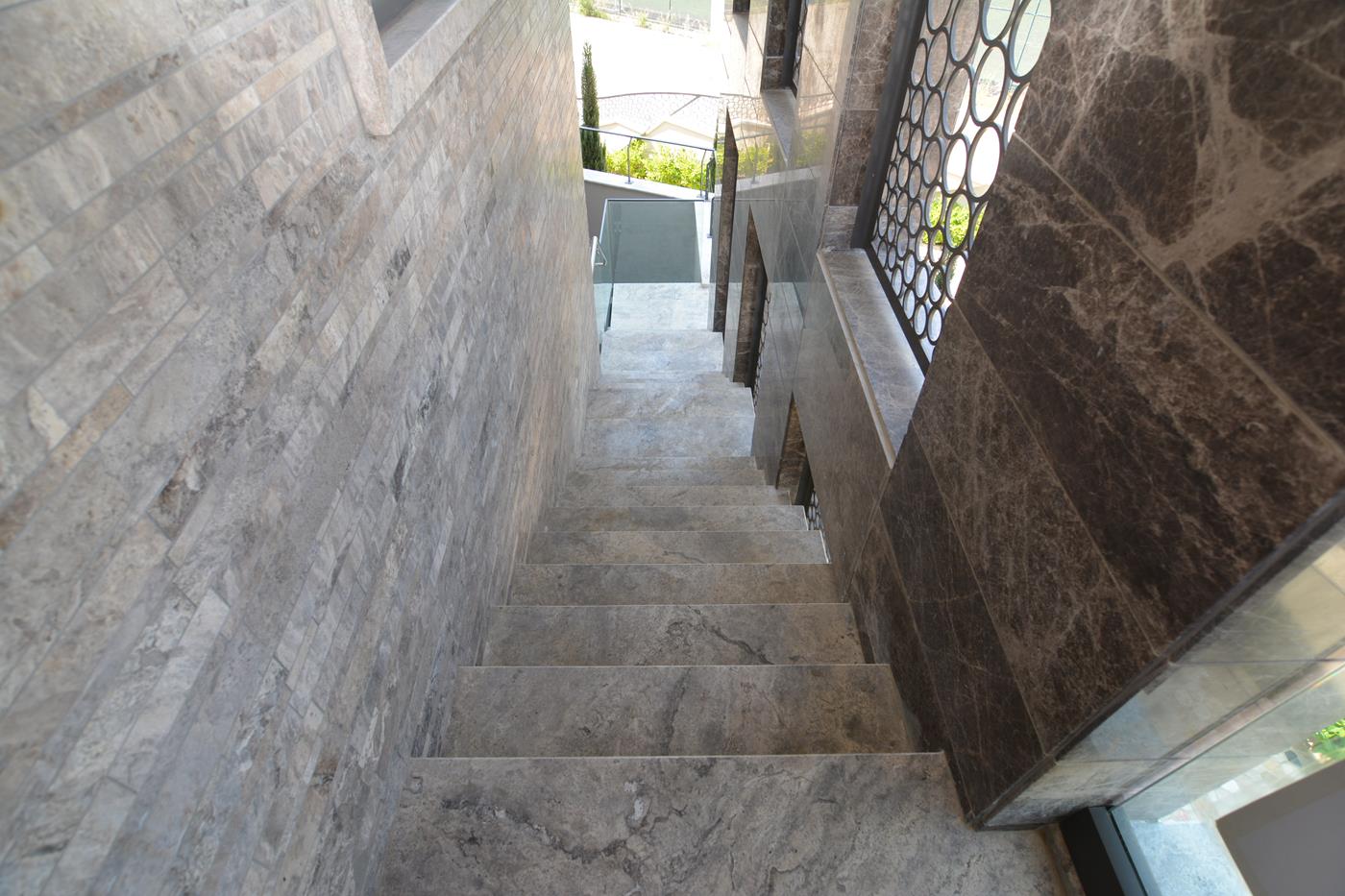
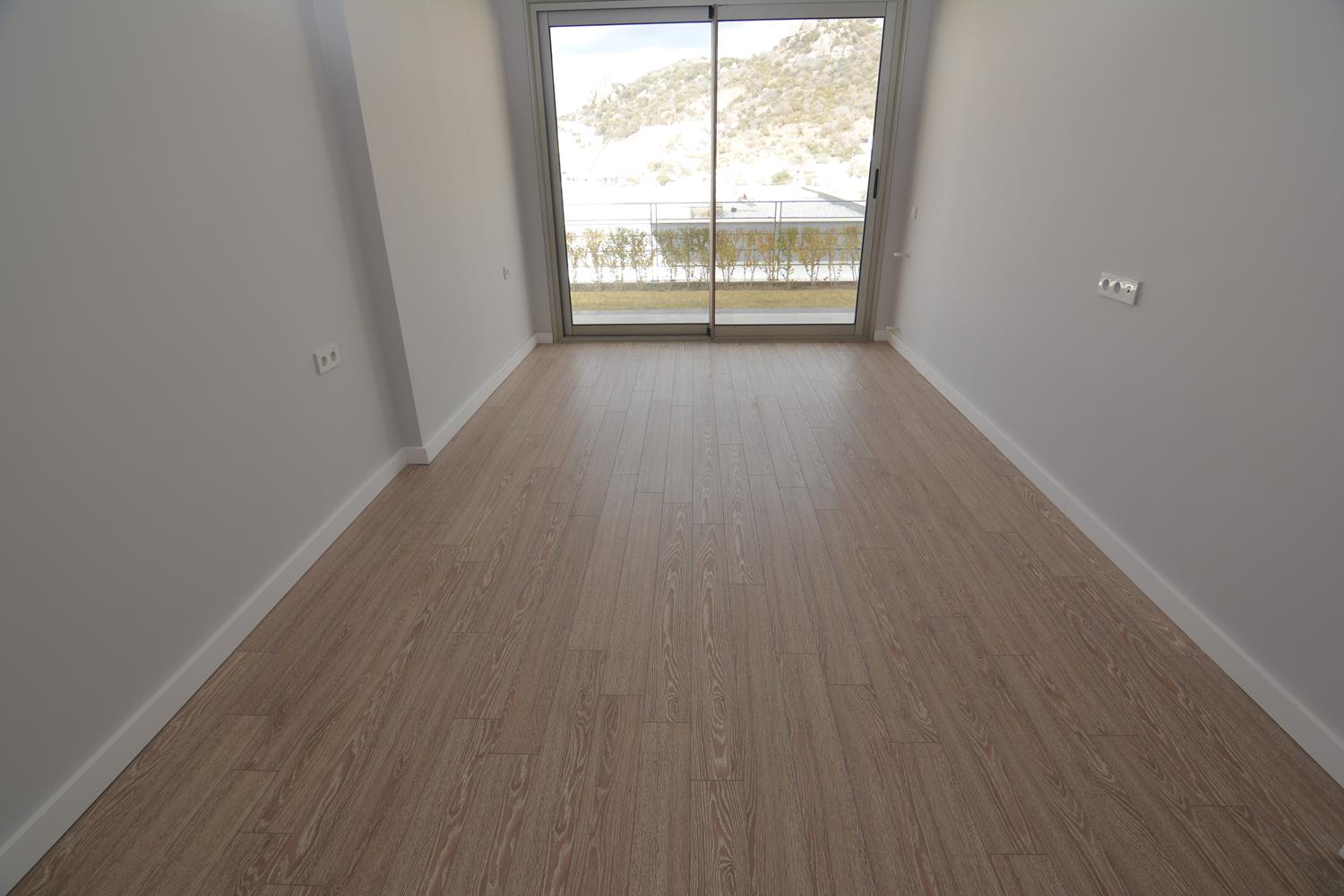
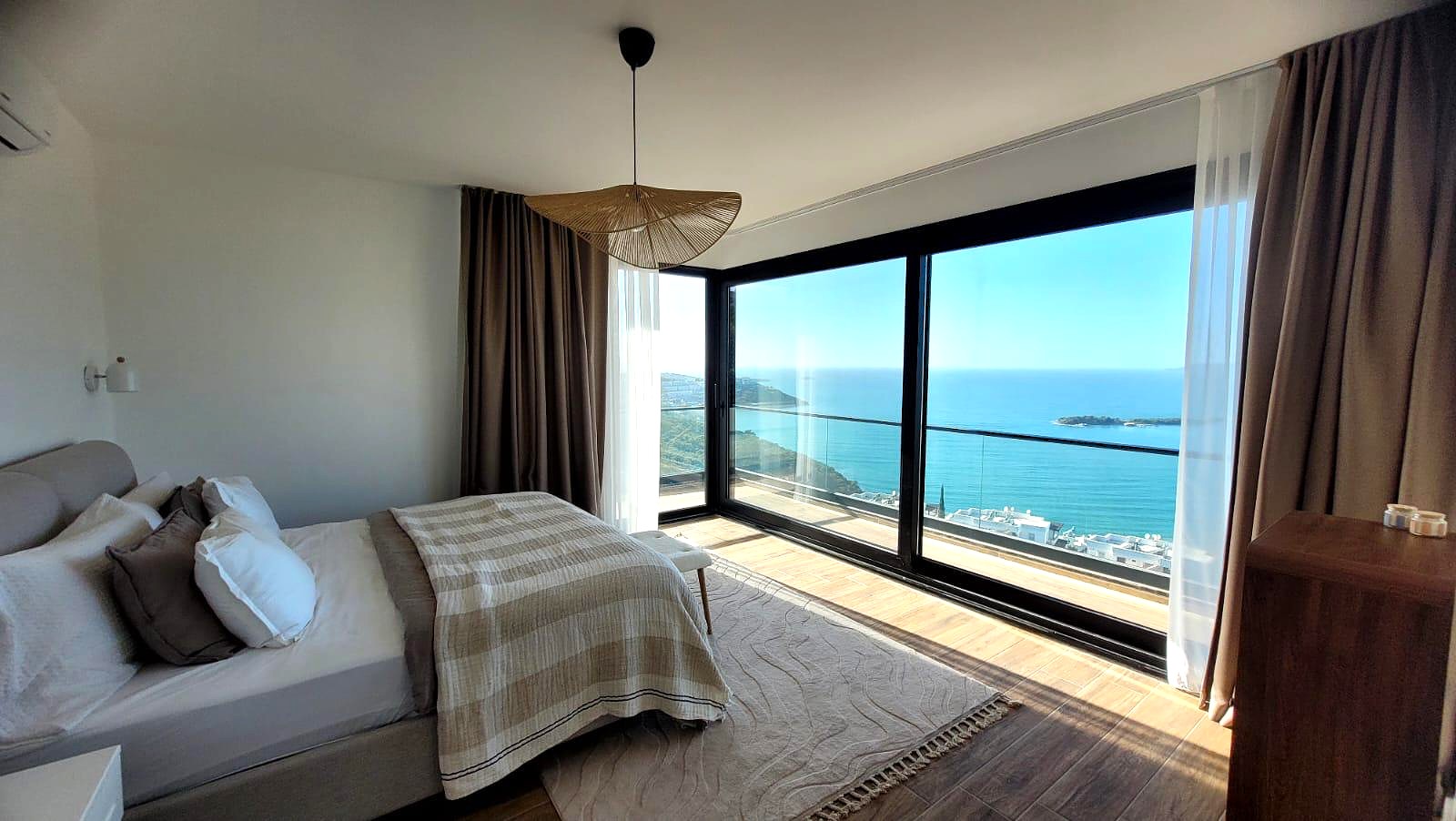
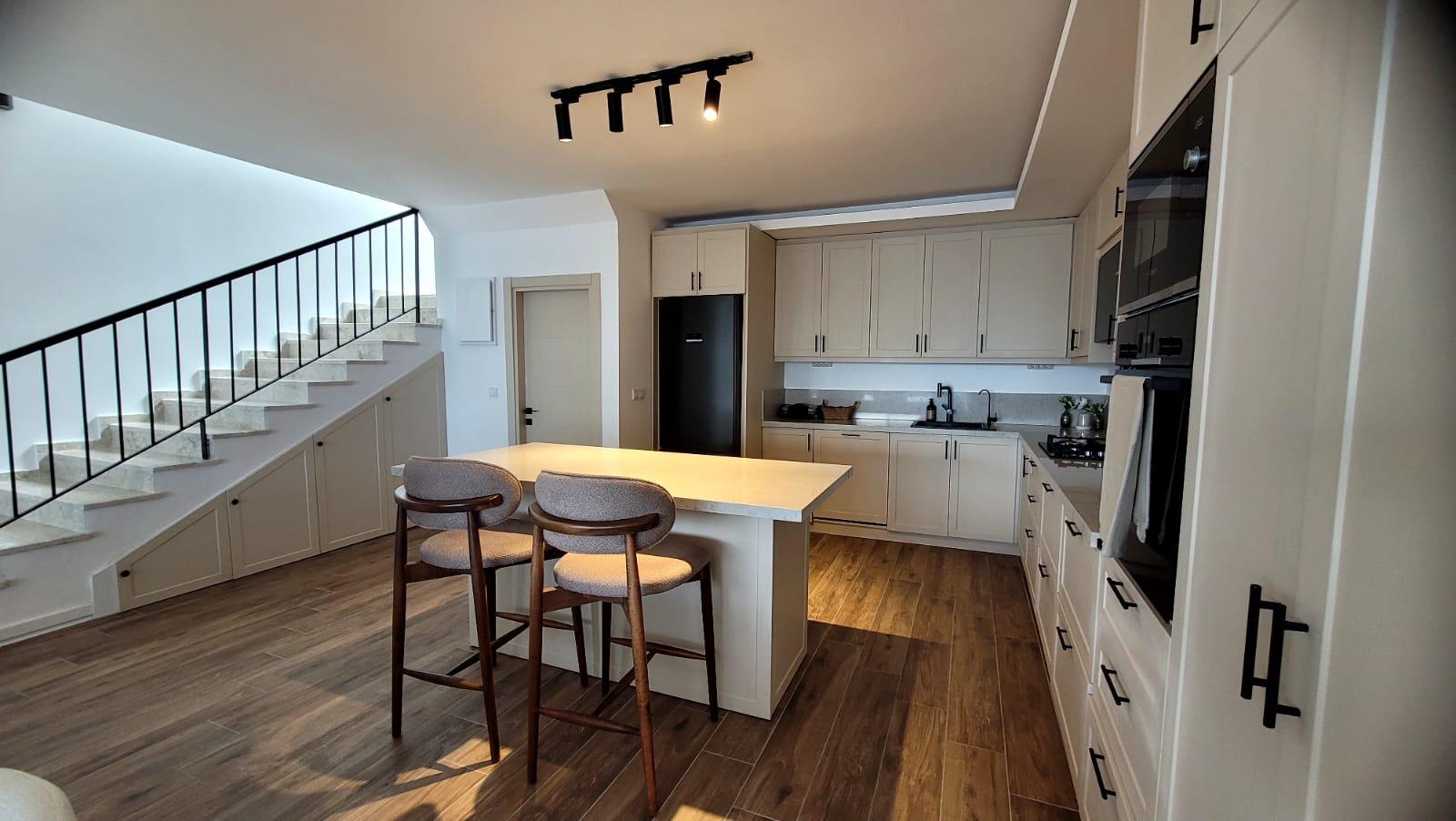
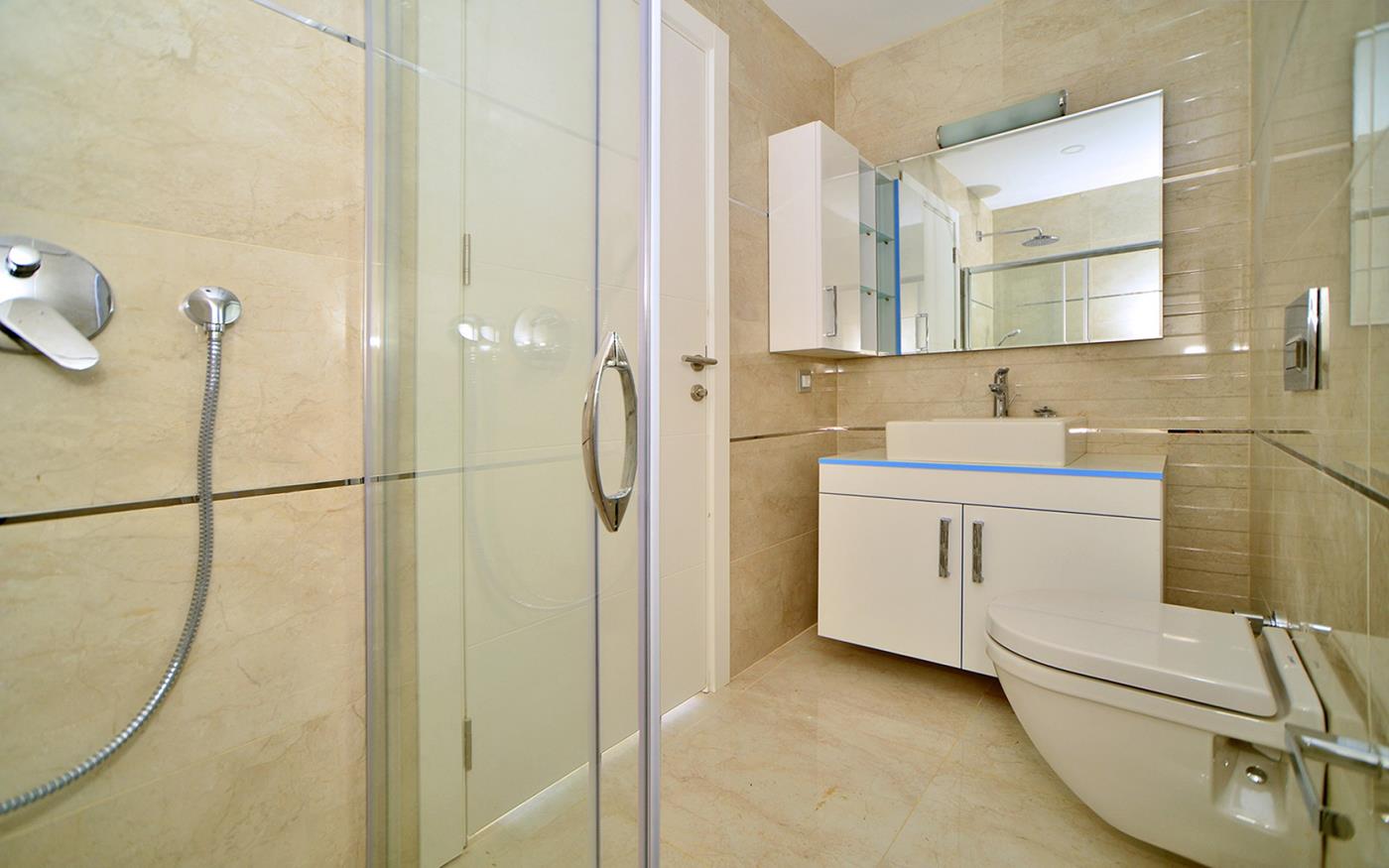
Bathroom listing photoBedroom with sea view photoEmpty room with balcony photoOpen plan living area photoStone stairwell listing photoNarrow room with balcony photo
After After: branded listing video created from those still photos Watch video page

After: branded listing video created from those still photos

Before and after example

See two listing photos become a cleaner branded video

A simple before-and-after comparison helps explain how still property photos can become a more polished marketing asset for listing pages and social distribution.

Before
Bedroom with sea view listing photoModern kitchen interior listing photo
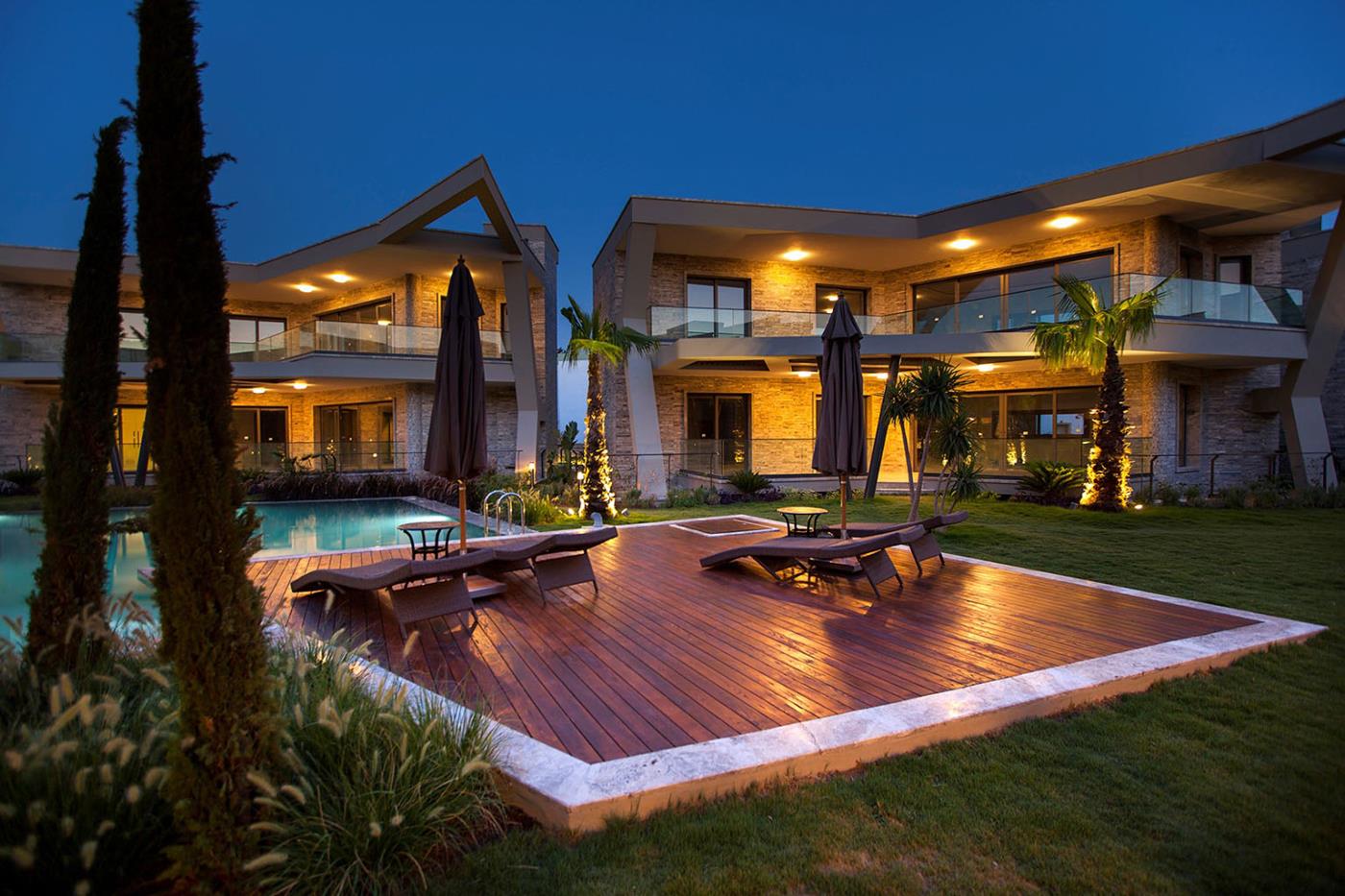
After After: branded luxury villa video from those still photos Watch video page

After: branded luxury villa video from those still photos

What a before-and-after comparison reveals

A side-by-side example makes it easier to judge how pacing, motion, sequencing and branding change the presentation of the original listing photos.

Compare the inputs with the finished output and decide whether the result fits the property, audience and channels in your campaign.

How to use AbodeVid for comparison-driven sales

AbodeVid works well for comparison because the same listing photos can be presented as a still gallery, then as a video across multiple formats. That makes it easier to explain value to agents, sellers and internal marketing teams.

Use this page together with sample videos and format pages to understand how the output can fit different channels.

Frequently asked questions

Is there a literal before-and-after slider on this page?

This page is positioned around the concept rather than a single slider widget. It helps explain the marketing difference between still galleries and property videos.

Can I compare several property styles?

Yes. The sample-video directory includes luxury, general listing, vertical, square and social-focused examples.

Do videos ever add objects that were not in the original photos?

AbodeVid adds AI-generated camera motion to the original listing photos. Visually ambiguous areas may occasionally change, so review every completed video against the source photos before publishing it. If a technical issue makes the result unusable, we first correct or replace it at no additional cost; if we cannot provide a usable result, we refund the affected campaign.