
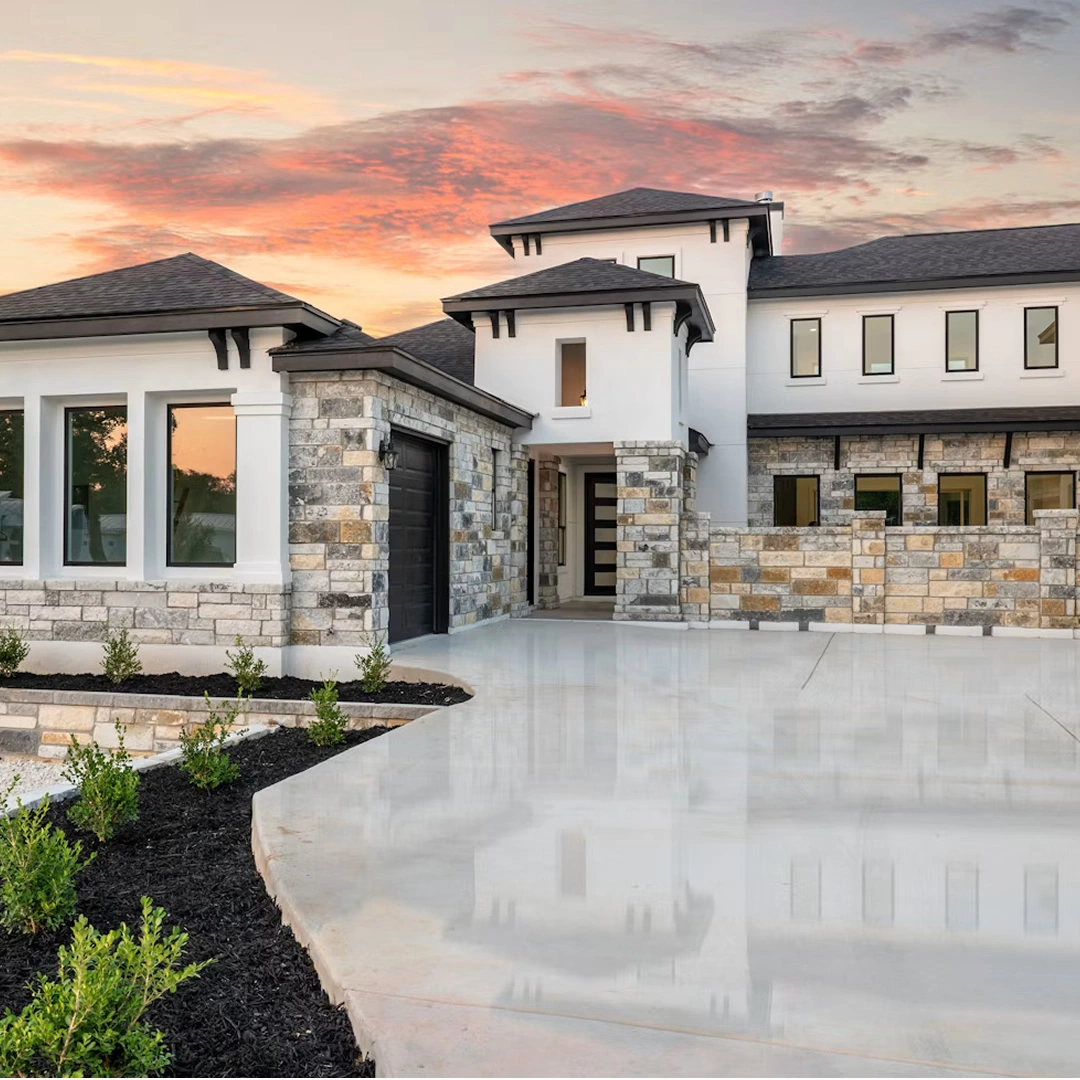
Square Instagram-ready property video
A 1:1 property-video example for a square feed placement; the same paid listing can also include a 9:16 Reel version.
Instagram Property Video Guide
Use the same approved property photos to prepare Instagram Reels and feed-ready video while keeping the listing story, branding and buyer destination consistent.
AI-generated camera motion from listing photos
Instagram is useful for showing the strongest visual reasons to notice a property, but the video does not need to carry every room, specification and disclosure. Lead with the images that make the listing recognisable and let the property page hold the complete facts.
This separation keeps the social asset focused while reducing the risk of packing small mobile frames with details that are easier to read on the listing page.
A vertical 9:16 version is the natural choice when the property video is meant to fill a phone screen. A square 1:1 version gives the same listing another composition for feed placements without forcing the vertical crop into every use case.
AbodeVid delivers both formats from the same paid listing video, alongside 16:9, so the agent can choose the version that fits the placement instead of re-editing the property from scratch.
The opening image should communicate the property quickly: a distinctive exterior, view, pool, living space or another genuine selling feature. Avoid beginning with a weak transitional room simply because it appeared first in the photo folder.
Keep the sequence coherent after the opening. The Reel should still feel like a short viewing journey rather than a random collection of attractive photographs.
Price, address, availability, agent details and property claims can change. Before publishing, compare the Instagram asset with the live listing information and remove anything that is no longer accurate.
Branding should help viewers recognise the agent or brokerage without covering important architecture. The objective is a clear property preview with an obvious next step, not a frame filled with competing overlays.
The Reel or square post should lead into the same property story used on the website, brochure and follow-up material. Reusing approved imagery and facts makes the campaign easier to maintain when the listing changes.
That is also why the paid AbodeVid workflow includes the wider Marketing Kit: the social video becomes an entry point to the property campaign rather than a disconnected post.
Use the 9:16 vertical output for a full-screen Reel. The same paid listing also includes 1:1 and 16:9 versions for other placements.
No. Use the images that explain the property quickly and clearly. A social preview can stay focused while the property page carries the complete listing information.
Yes. A 1:1 version can suit square feed placements. AbodeVid includes a square output alongside the vertical and landscape versions.
Yes. Compare the finished video with the source photos and current listing facts before publishing, especially where AI-generated motion interacts with visually ambiguous areas.