Build the sequence around the guest experience
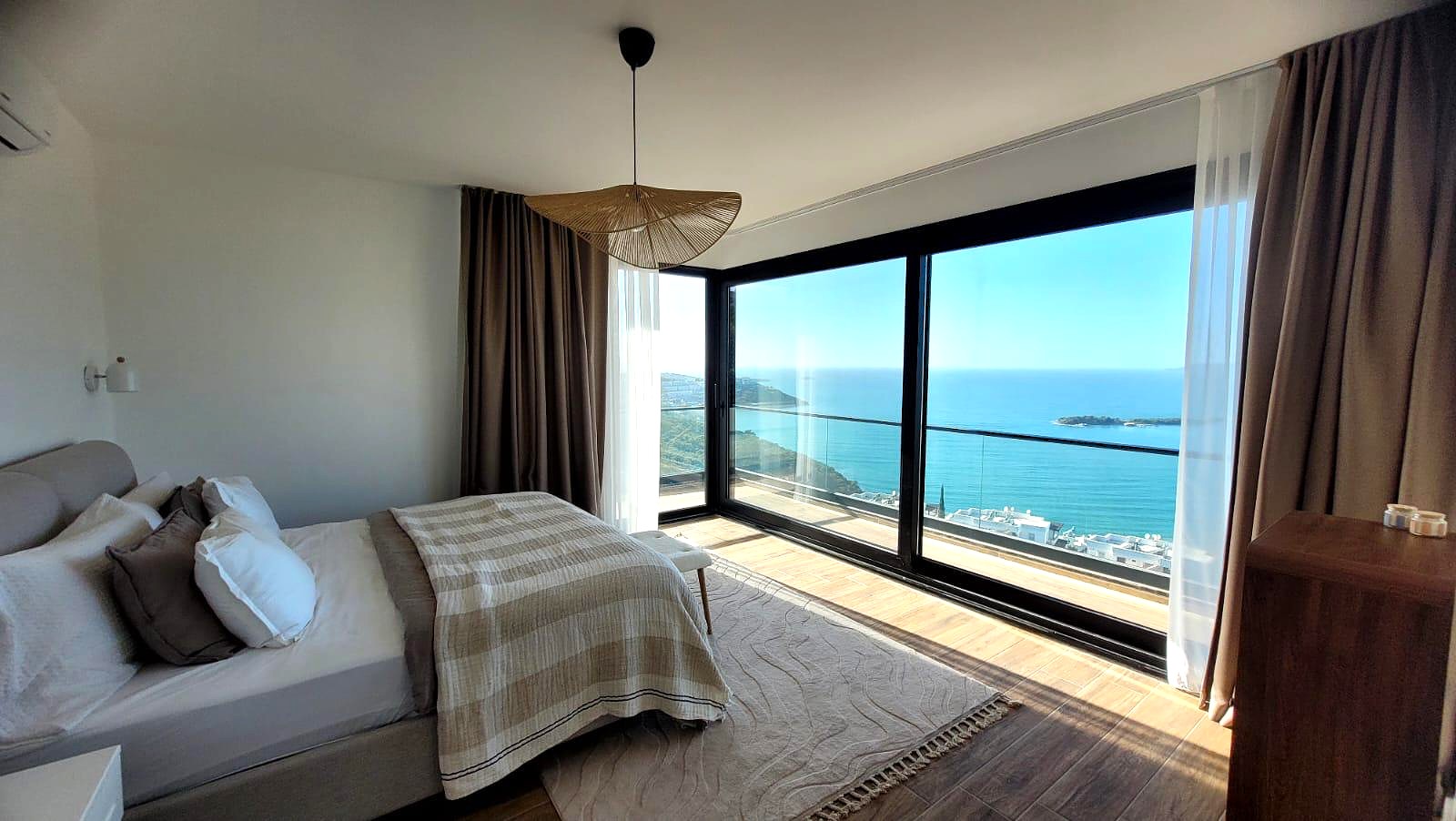
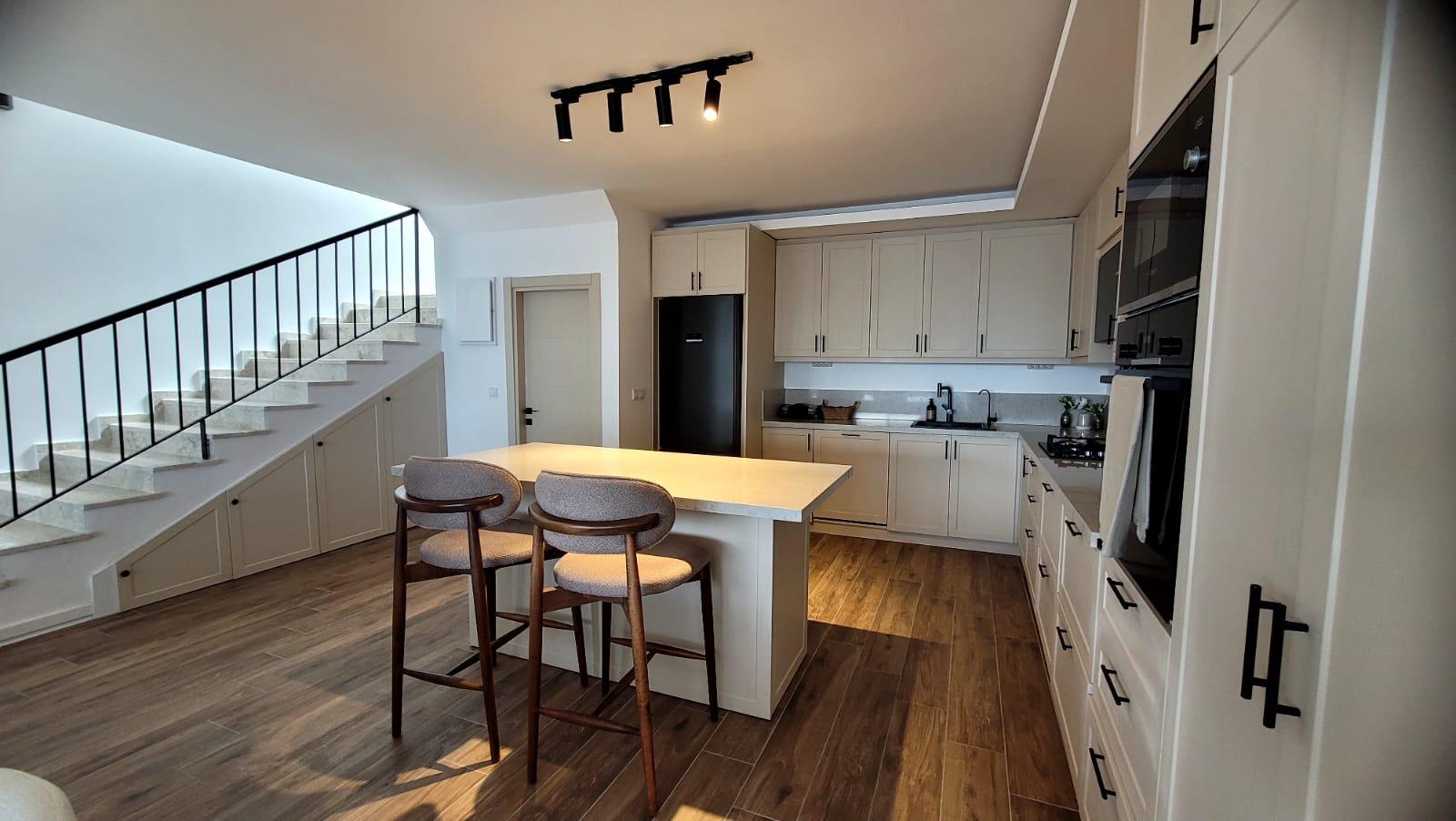
A short-term rental video should answer a different question from a residential sales video: what will the stay feel like from arrival to checkout? Lead with the strongest arrival or hero view, then move through the main sleeping, living, cooking and outdoor spaces in the order a guest can understand quickly.
Do not spend equal time on every photograph simply because it exists. Give priority to the images that explain occupancy, comfort, views, outdoor use and the features that distinguish the stay from nearby alternatives.
Separate the unit from the amenities
Guests need to know what belongs to the accommodation and what belongs to the wider building or resort. Keep the apartment, villa or room sequence together before introducing shared pools, gyms, lobbies, beach access or neighbourhood context.
This reduces ambiguity in the video and makes it easier to keep the booking-page description, captions and visual sequence aligned with what the guest is actually reserving.
Choose 6 or 15 photos according to the stay, not the maximum
The 6-photo workflow is useful when the stay can be understood through a small set of strong hero images. The 15-photo workflow is better when a multi-room stay, outdoor area or amenity set needs broader coverage within an up-to-30-second structure. A much larger rental with genuinely distinct spaces can instead use Cinematic 30 for up to thirty photos and up to sixty seconds.
A studio apartment may not benefit from fifteen near-duplicate angles, while a larger villa may need the broader set to explain bedrooms, social spaces and exterior features without leaving important questions unanswered.
Use each output where guests actually discover the property
Use the 16:9 version when a wider presentation fits the property website, landing page or long-form video placement. Use 9:16 for full-screen mobile discovery and 1:1 when a square social placement gives the listing more usable feed space.
The purpose is not to publish every ratio everywhere. Keep one approved property story and use the delivery version that fits the placement without rebuilding the listing from zero.
Keep seasonal and booking details outside the visual promise
Short-term rental availability, minimum stays, pricing and seasonal offers can change more often than the photography. Avoid baking unstable commercial details into a video unless you intend to regenerate the asset whenever those details change.
Keep the video focused on durable property features, then let the current booking page carry live availability, rates, house rules and other date-sensitive information.
Know when fresh footage is still worth the shoot
Photo-to-video is useful when strong approved photography already exists and the goal is to extend that asset set. Fresh filming is still the better choice when the property needs a continuous walkthrough, host-led introduction, drone sequence or a specific experience that cannot be communicated honestly from still images.
The two approaches solve different production needs. Use the lighter photo workflow when speed and reuse matter; use filming when movement itself is part of what you need to show.