Square video example

Before-and-after square real estate video Before-and-after square
real estate video
created from listing photos

See how listing photos become a balanced 1:1 property video designed for social feeds, cross-platform sharing and reusable listing promotion.

InstagramFeed LinkedInPosts
Format1:1 Square
Duration0:30
SourceListing photos
View Sample Videos

Why square video works

Balanced on every screen

A square canvas offers a natural viewing area on both mobile and desktop.

Built for social feeds

Useful for Instagram, Facebook and LinkedIn feed placements.

Easy to reuse

One 1:1 video can support several channels without re-cropping.

From listing photos to a polished square property video

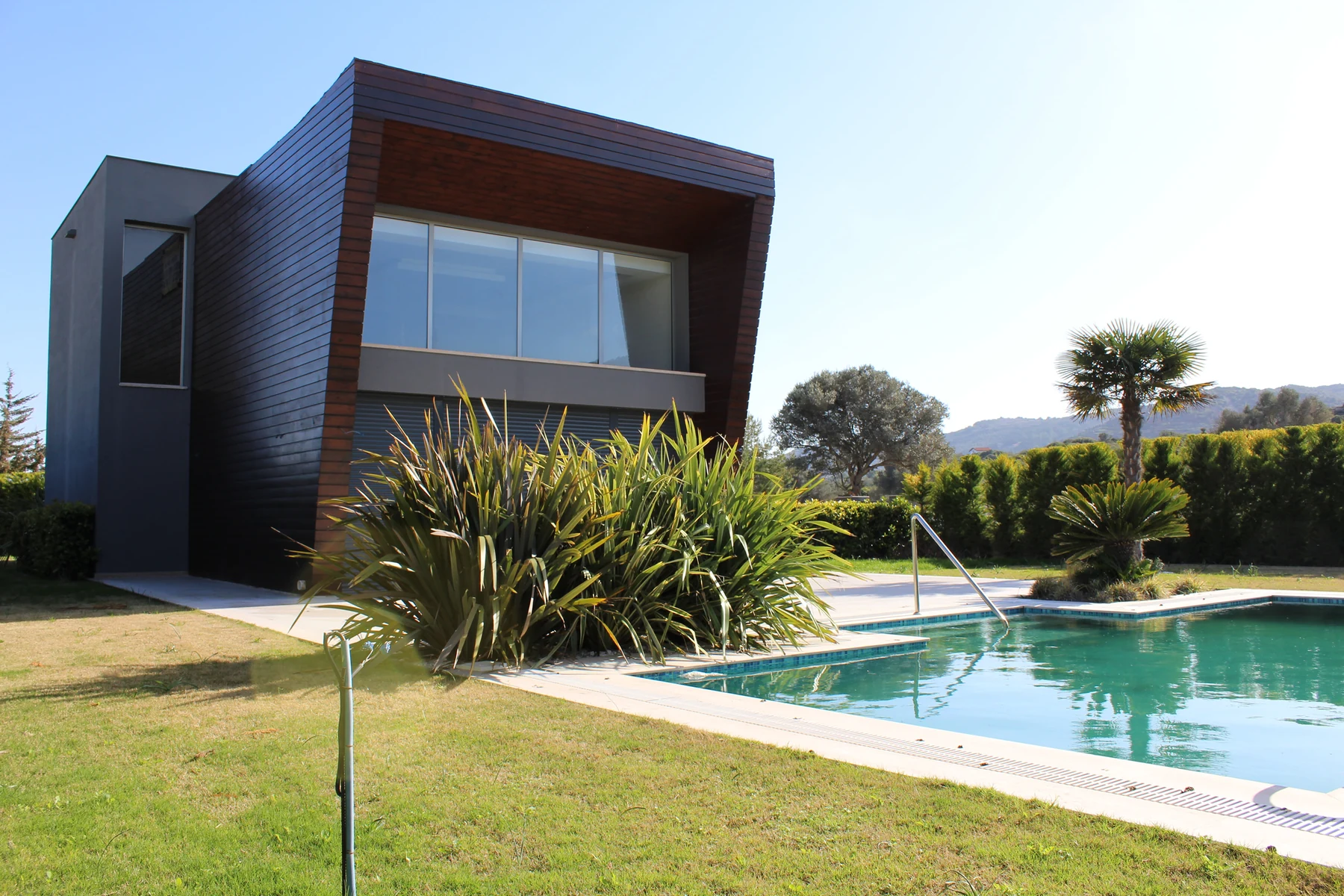
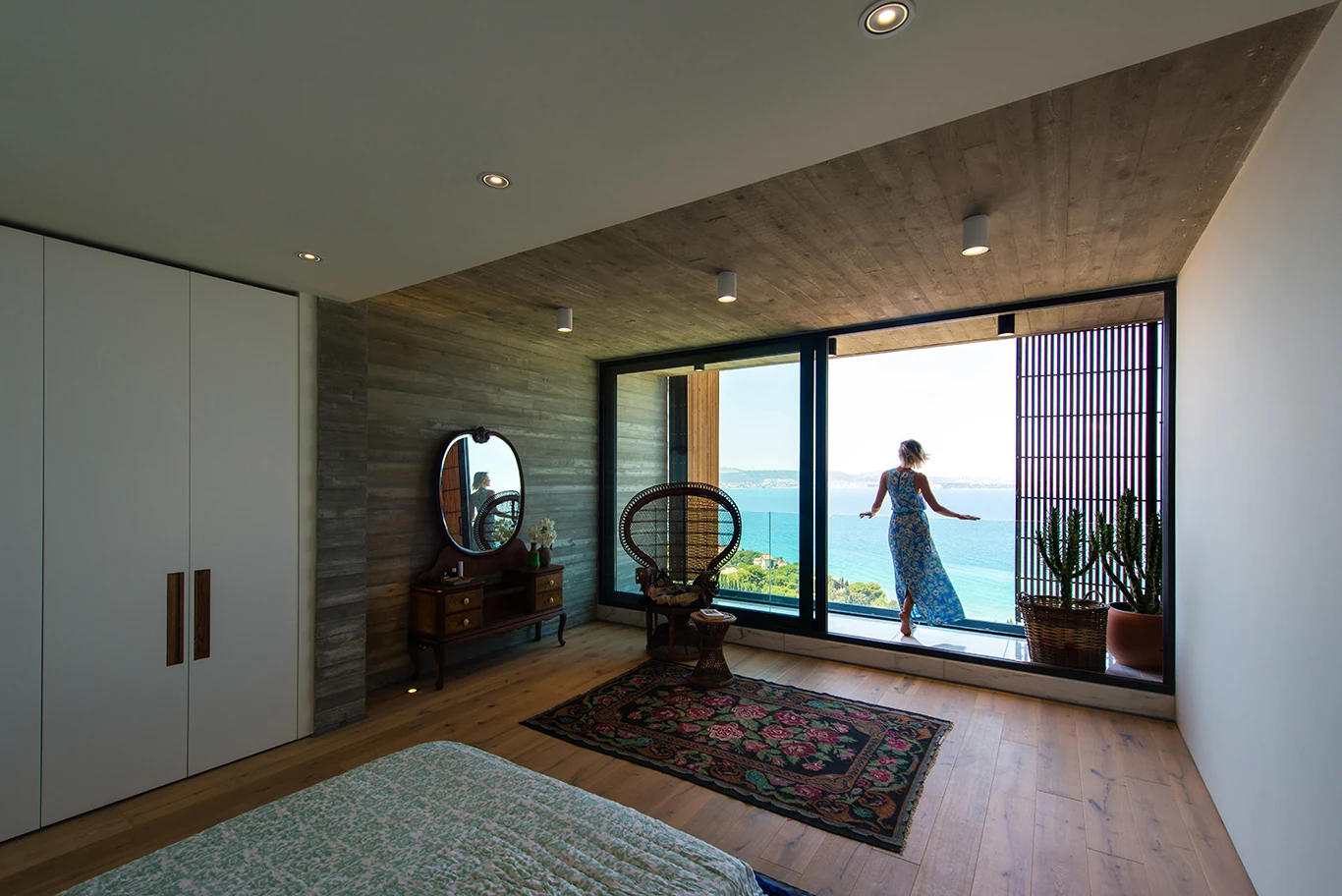
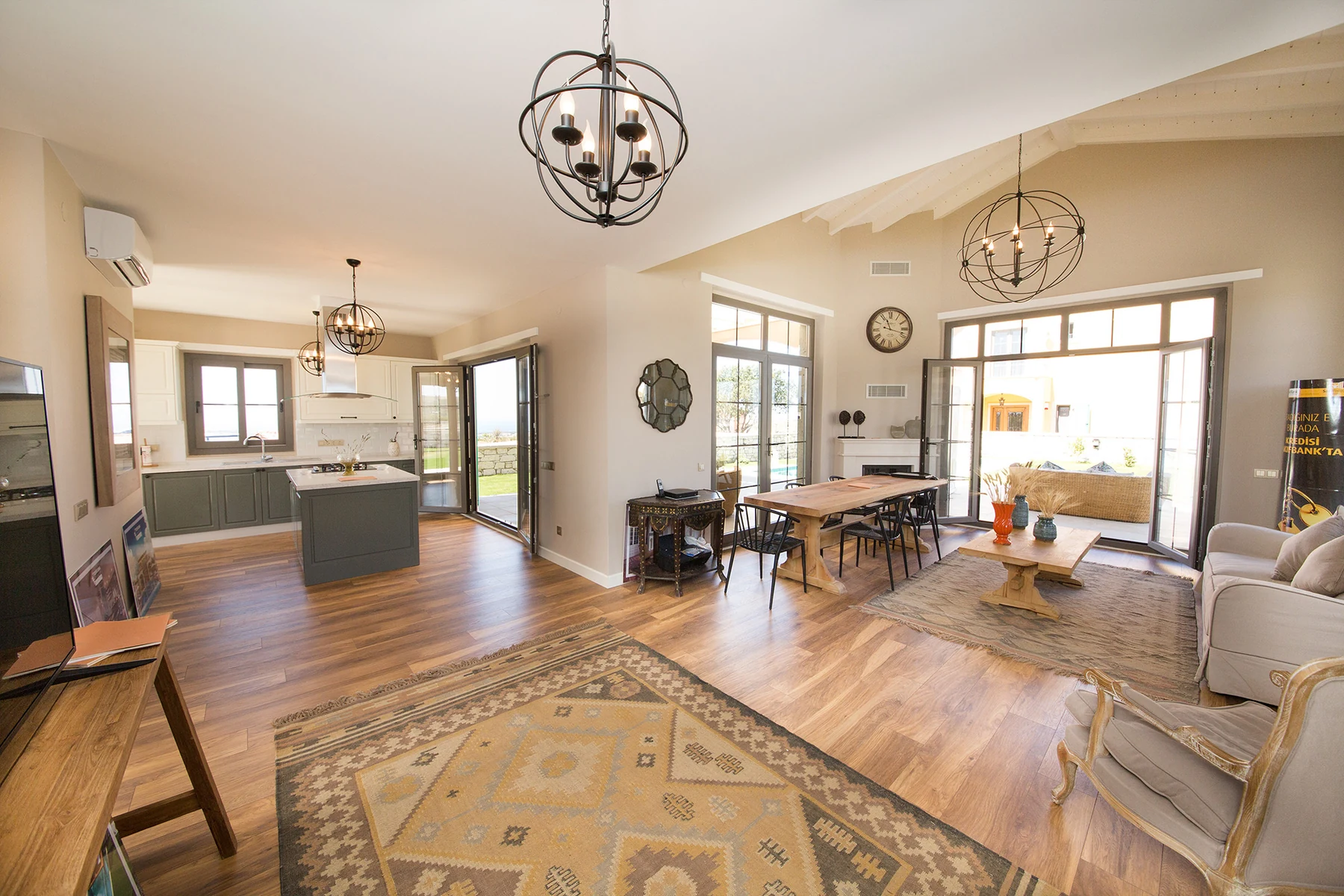
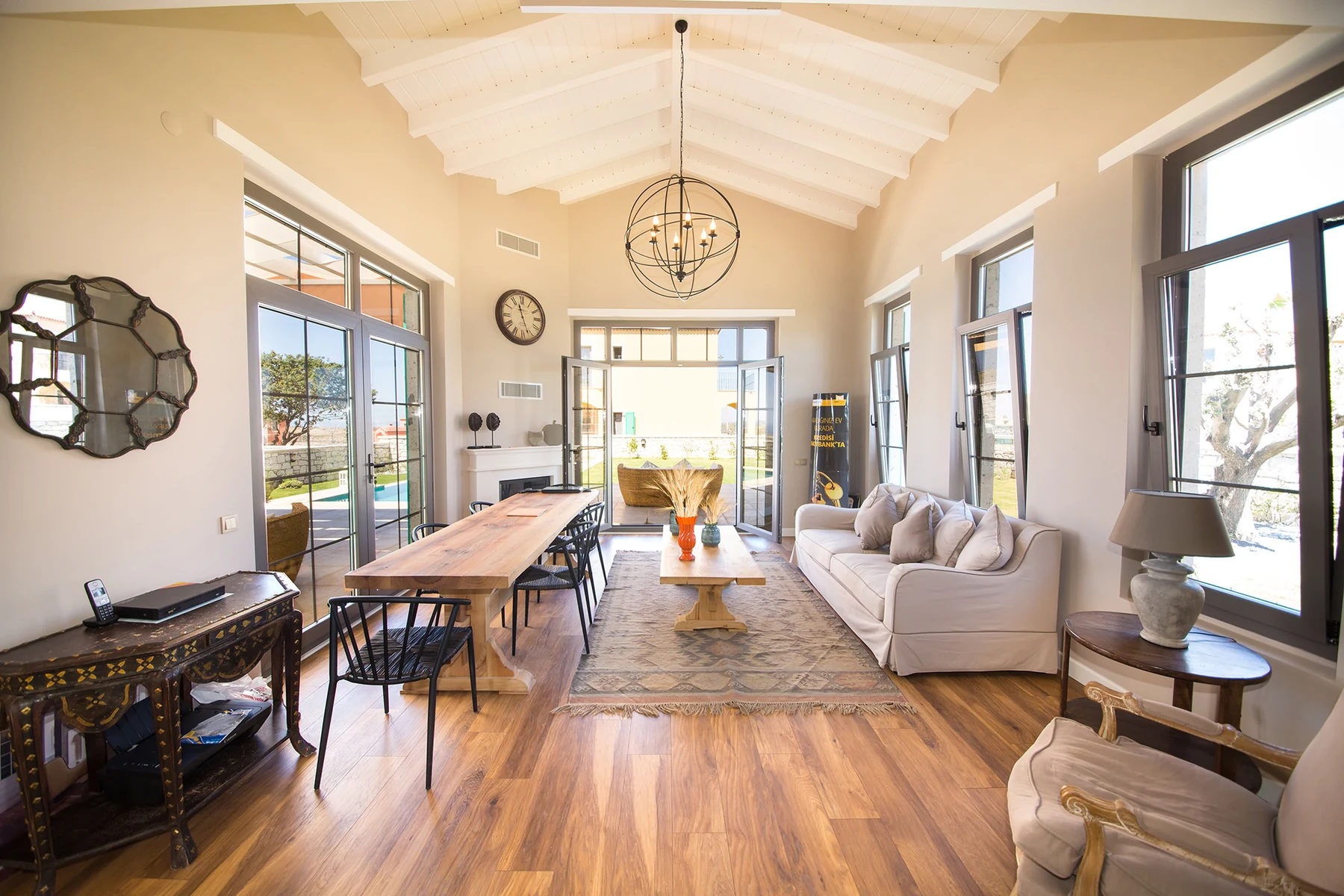
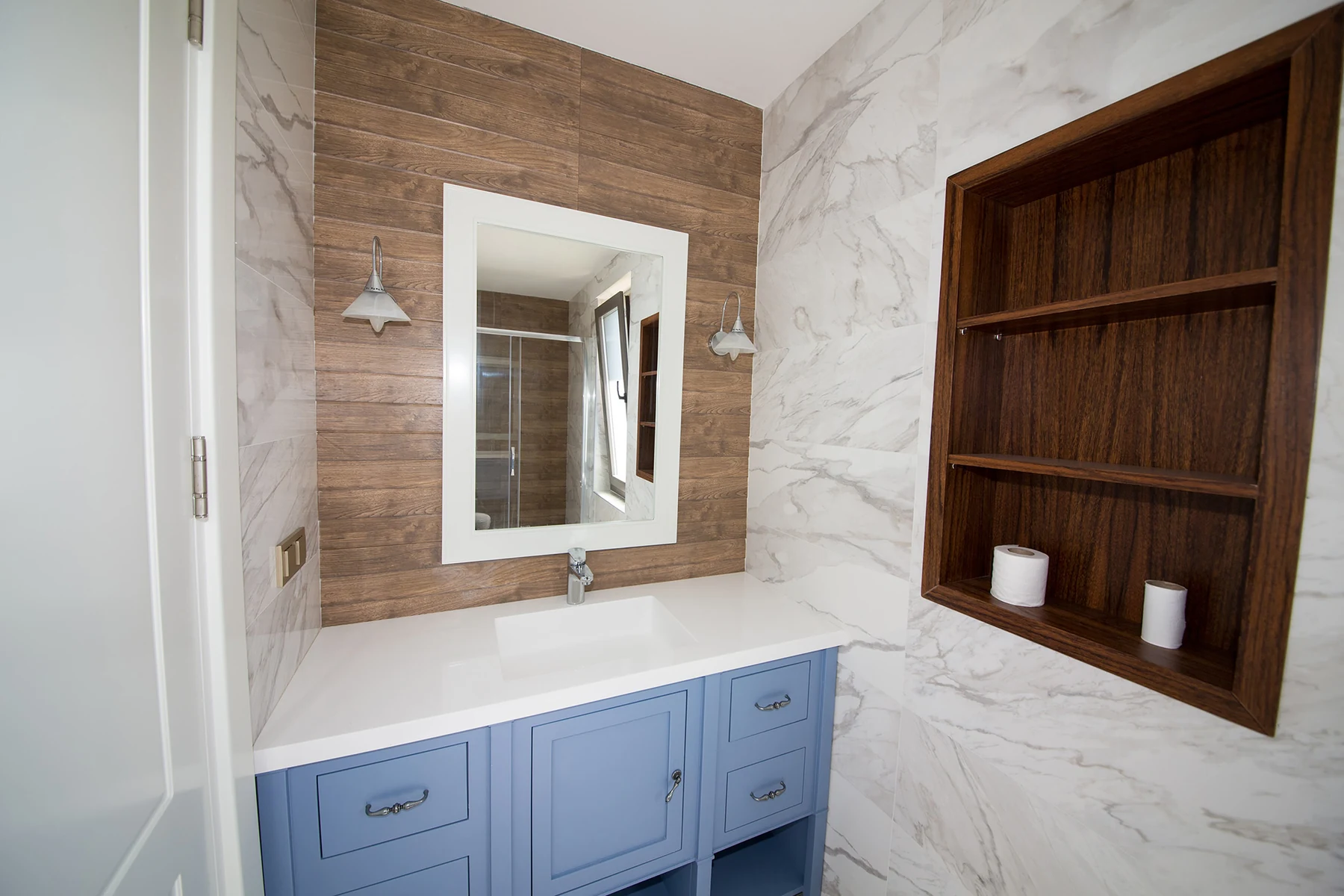
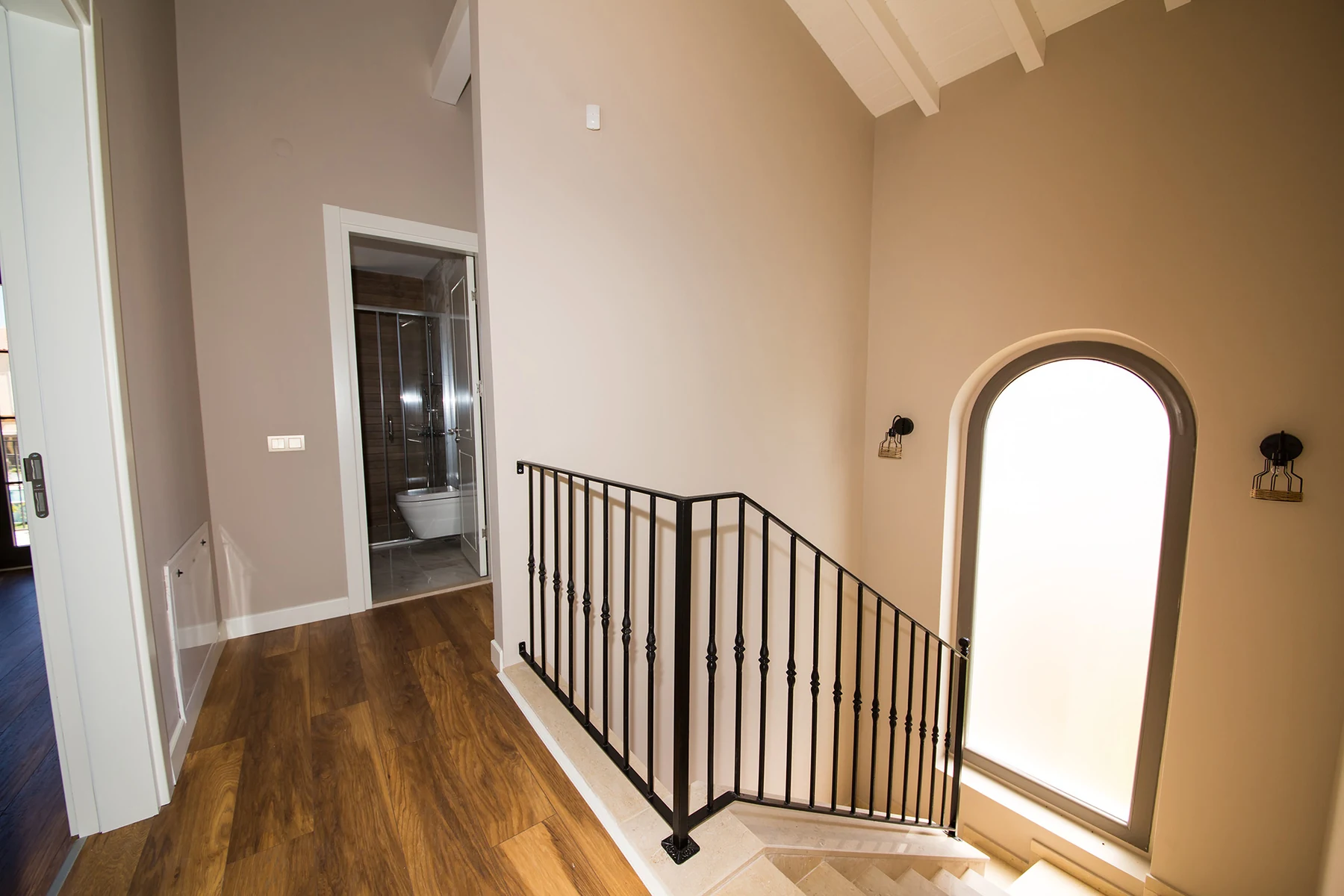
Modern villa and swimming pool listing photo used to create a square real estate videoSea-view bedroom listing photo included in the before-and-after square property videoOpen-plan living and dining room listing photo used in a 1:1 property videoBright vaulted living room listing photo prepared for a square real estate video sequenceDesigner bathroom vanity listing photo shown in the square property video exampleModern staircase and hallway listing photo used as a source image for the 1:1 real estate video

AbodeVid sequences the property photography into a balanced 1:1 video that preserves the natural proportions of every image.

When should
you choose 1:1?

9:16 Vertical

Best for Reels, TikTok and full-screen mobile viewing.

16:9 Landscape

Best for websites, YouTube and wider listing presentations.

One listing. Multiple campaign assets.

This square video can become part of a complete listing campaign

The same property photos, listing details and agent branding can support a property website, brochure, campaign content and seller materials.

Property page example included in the AbodeVid real estate listing Marketing Kit Property page
Social media campaign content prepared for a property listing Marketing Kit Social media content

Square video and Marketing Kit FAQ

Frequently asked questions

Understand the 1:1 video format and how it can connect to a complete property campaign.

What is a square real estate video?

A square real estate video is a property presentation created in a 1:1 aspect ratio. Its balanced canvas is useful for feed-based placements where vertical and landscape formats are not the best fit.

What size is this 1:1 property video?

This example uses a native 1080 × 1080 pixel canvas. The video and player keep the true square ratio without stretching the listing photography.

Where can a square property video be shared?

A 1:1 square video is suitable for Instagram and Facebook feeds, LinkedIn posts, reusable social campaign placements and direct sharing.

When should I choose 1:1 instead of 9:16 or 16:9?

Choose 1:1 when you want a balanced feed presentation that works across mobile and desktop. Use 9:16 for full-height mobile feeds and 16:9 for websites, YouTube and wider presentations.

Was this square real estate video created from listing photos?

Yes. The example demonstrates how existing property listing photos can be sequenced into a polished 1:1 video without requiring a separate filming session.

Can the same listing have square, vertical and landscape videos?

Yes. A connected property campaign can prepare 1:1 square, 9:16 vertical and 16:9 landscape formats around the same Premium property video.

What does the AbodeVid Marketing Kit include?

A Marketing Kit can include a designed Property Brochure, a shareable buyer property page, a private seller presentation or report, Campaign Content, enquiry capture, analytics and an organized download package. Branded video formats are prepared when the kit is connected to an existing Premium property video.

Can I create a Marketing Kit without a property video?

Yes. A manual Marketing Kit can prepare its non-video outputs without a connected source video. Branded 16:9, 9:16 and 1:1 video assets require an existing Premium property video connected to the kit.

How many listing photos can I use in a Marketing Kit?

You can use up to 20 photos in a Marketing Kit. Photos preloaded from a connected Premium property video and photos added manually count toward the same total.

Does AbodeVid automatically publish the campaign?

No. AbodeVid prepares video files, campaign drafts and supported sharing flows, but it does not automatically publish the campaign to social networks or property portals.

Create a complete campaign for your next property listing

Start with your listing photos and create a Premium property video, connected marketing materials and a complete Marketing Kit.