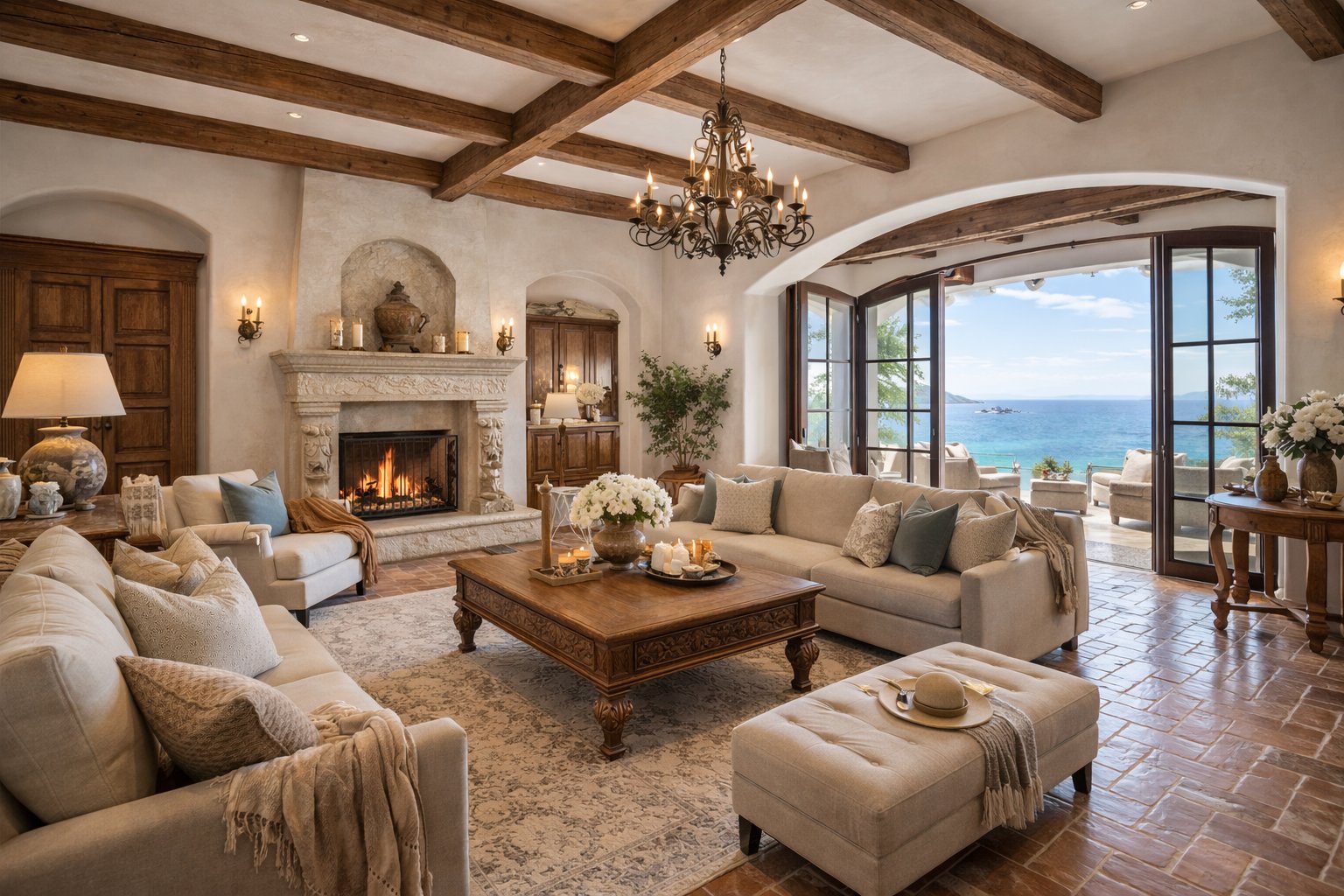
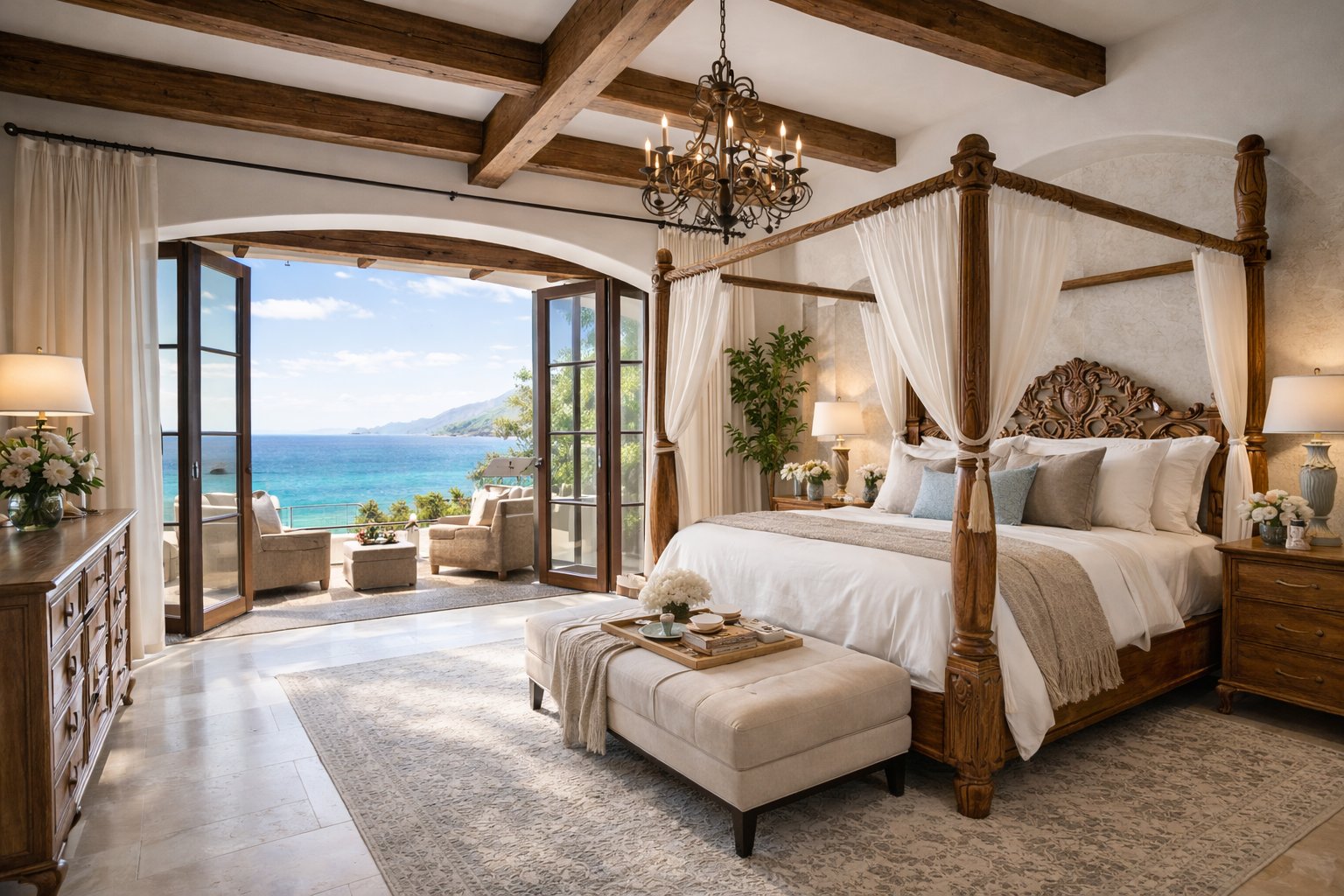
Treat the front exterior as the opening shot when it earns that role
For many houses, the front elevation, approach, garden or architectural character establishes the property before the viewer sees a room. Use that image first when it creates a clear sense of arrival.
If the exterior is ordinary but the home has an exceptional sea view, kitchen, pool or living space, lead with the feature that genuinely explains why the listing deserves attention. The sequence should follow the property, not a rigid formula.
Move through the principal rooms before the secondary details
A practical residential order is arrival, main living room, kitchen or dining area, principal bedroom, additional bedrooms, bathrooms and then secondary spaces. That mirrors the way buyers usually build a mental picture of the home.
Do not interrupt the main sequence with small detail photographs unless those details are genuinely important to the property. Decorative close-ups can weaken orientation when they appear before the viewer understands the room they belong to.
Give outdoor space its own ending
Gardens, terraces, pools, views and entertaining areas often change the perceived character of a house. Group them near the end of the video so the presentation expands from the interior into the lifestyle around the property.
If an outdoor feature is the main reason to buy the home, preview it earlier and return to it at the close rather than burying it as the final leftover photograph.
Choose 6 or 15 photos according to the size of the story
The 6-photo workflow suits a focused listing where a handful of strong views can represent the home without repetition. The 15-photo workflow is more appropriate for larger houses that need extra bedrooms, multiple reception rooms, outdoor areas or distinctive features to be shown.
Both compact Premium options stay within an up-to-30-second structure. For a genuinely larger home that still needs distinct rooms or features after fifteen photos, the separate Cinematic 30 option supports up to thirty photos and up to sixty seconds.
Keep the house facts consistent beyond the video
Bedrooms, bathrooms, address, price and agent details should match the live listing and the rest of the campaign. A video attracts attention, but the property page and supporting materials are where buyers verify the information they need next.
Use the same approved property record across the video, property website, brochure and campaign copy rather than re-entering facts independently in each asset.
Use true footage when movement through the home must be exact
AI-generated motion can make approved house photos more engaging, but it is not a substitute for a continuous filmed walkthrough when exact circulation, stairs, room connections or exterior-to-interior movement must be documented precisely.
Use photo-to-video when the still photography already carries the listing. Add filmed footage when physical movement through the property is itself part of the information you need to communicate.