
Motion-friendly inputs: more spatial information inside one frame
The six examples below are the exact source set behind real user video 1540. They contain visible distance relationships: foreground furniture, deeper room boundaries, landscaping in front of a facade, converging counter lines or architecture that continues beyond a single near surface. Those relationships give the generated movement more real geometry to preserve and reveal.
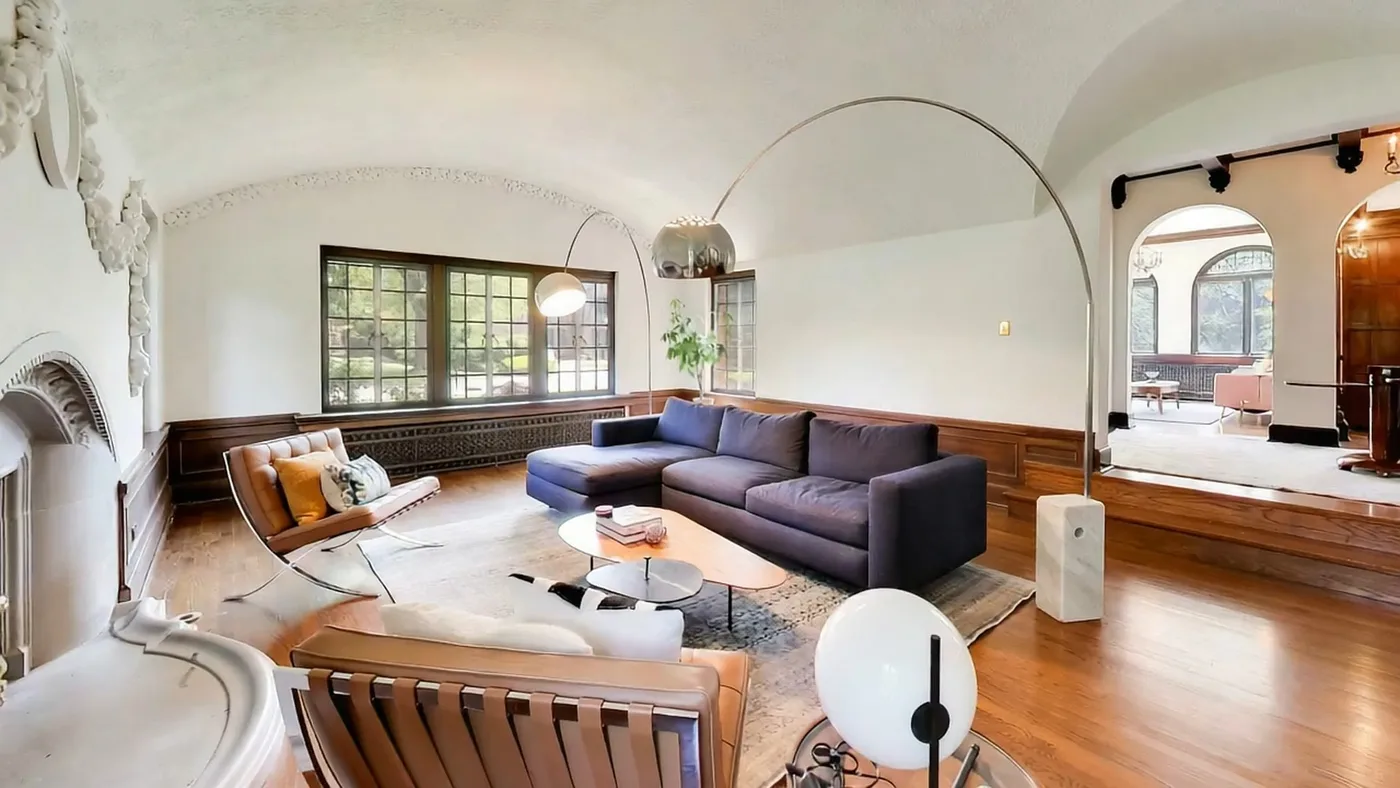
Foreground furniture, the central seating zone and a deeper opening create several readable distance layers inside one frame.
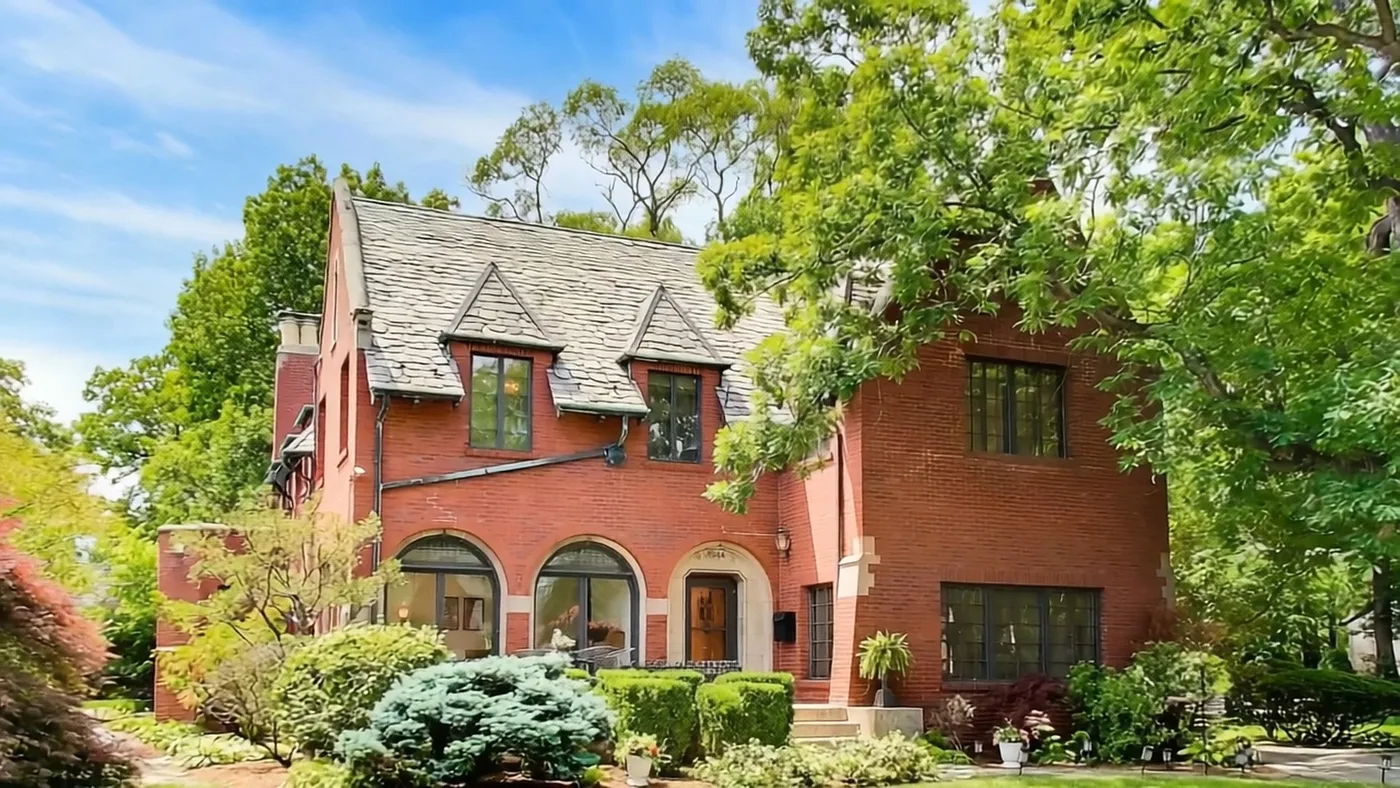
Landscaping sits in front of the facade while the roofline and trees extend the scene beyond one flat architectural plane.
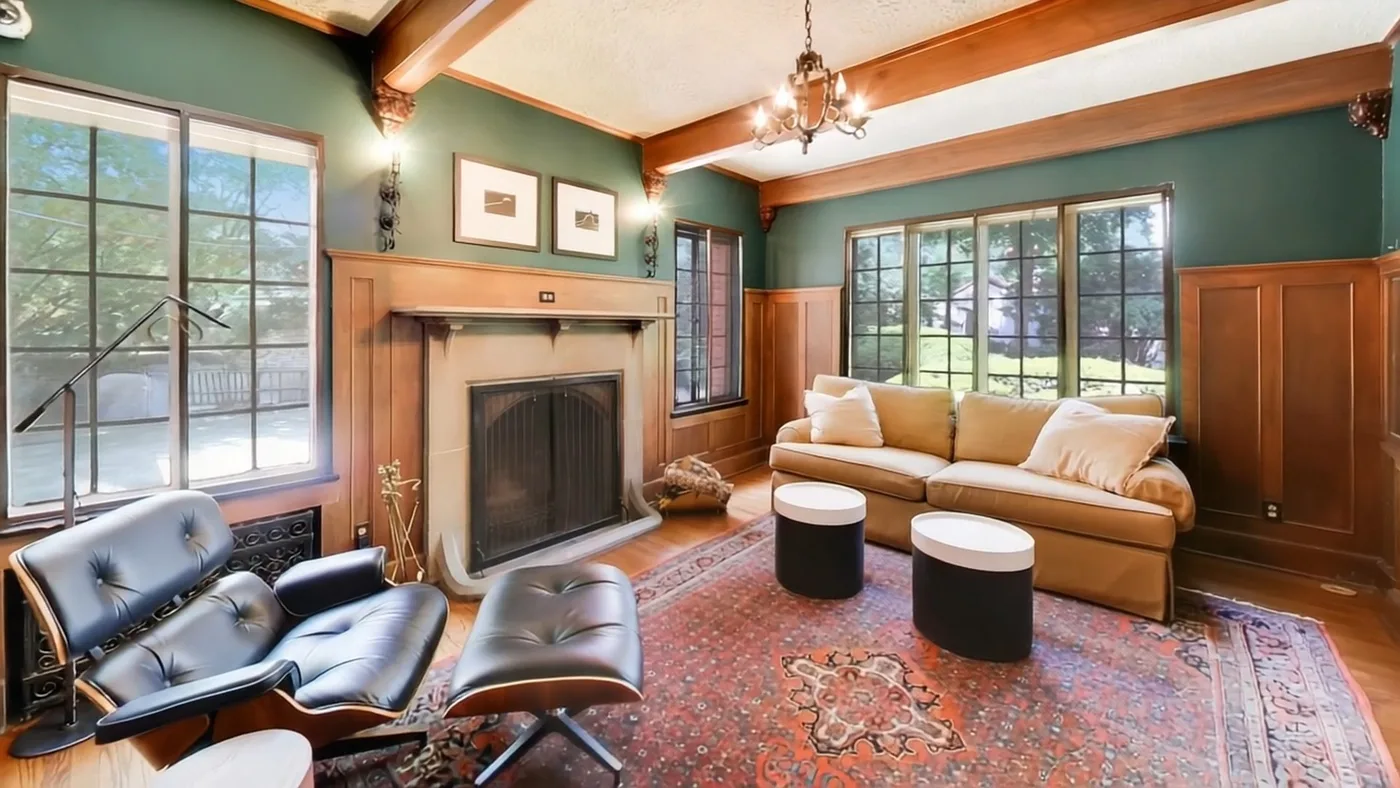
The fireplace, seating, windows and ceiling beams give the frame multiple real structures to preserve while movement is introduced.
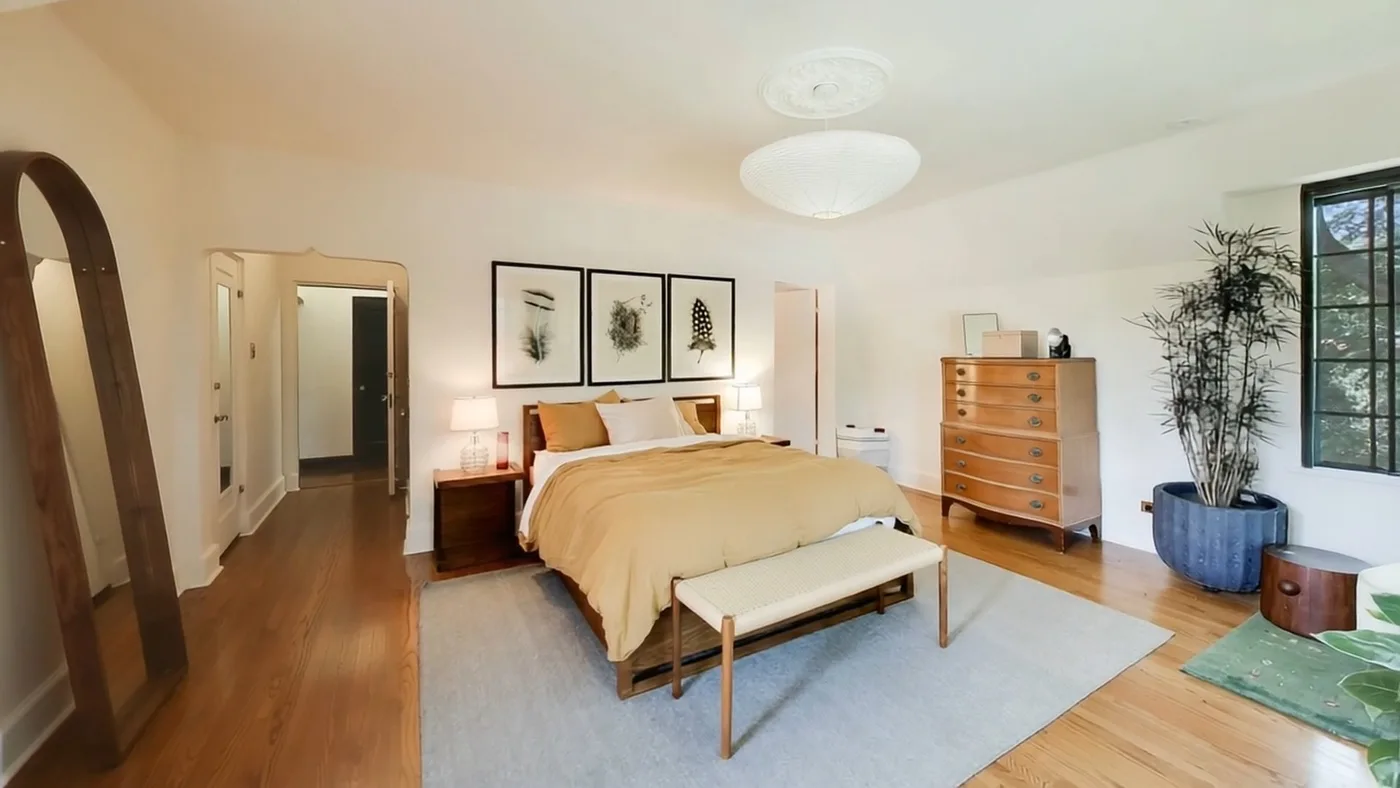
The floor, bed, wall edges and open space around the furniture make the room scale easier to read than a tightly cropped detail shot.
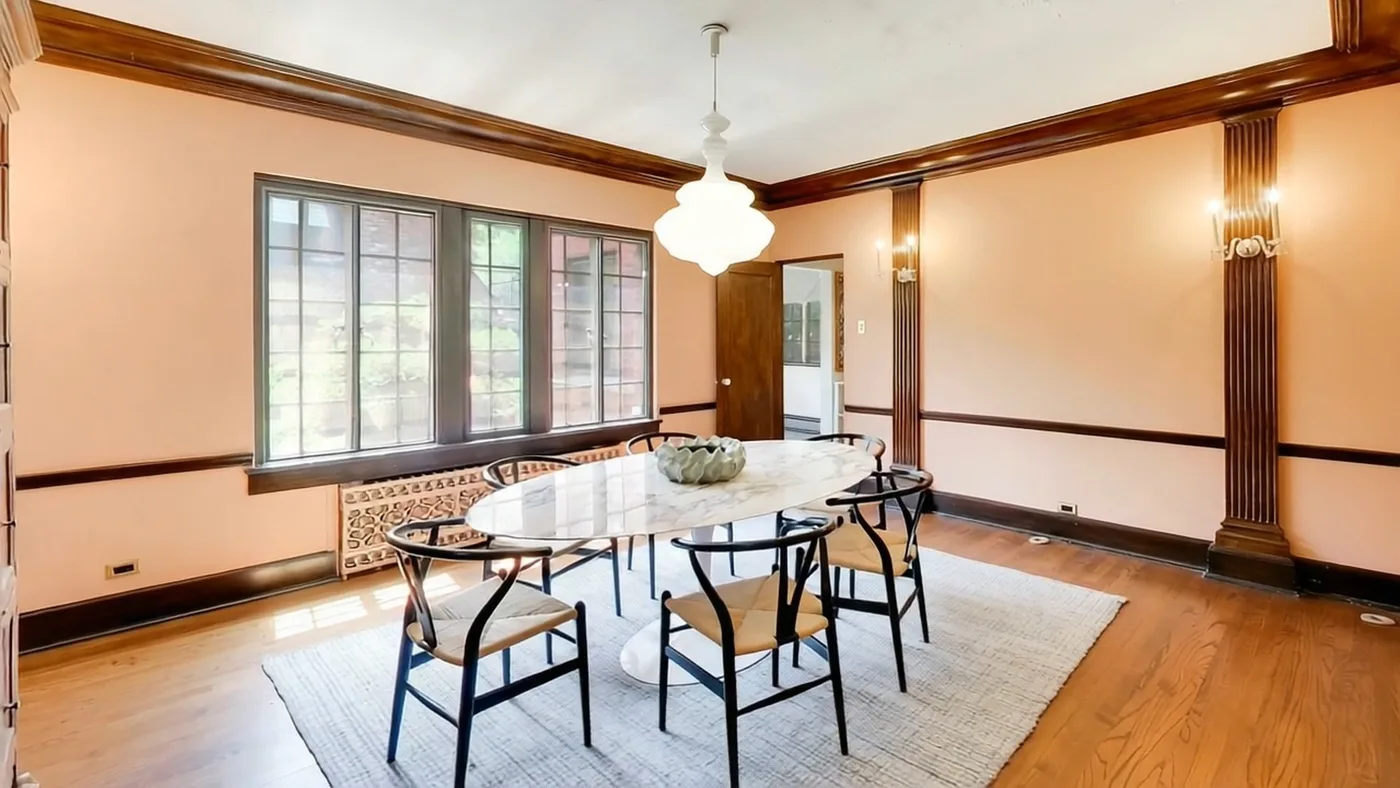
The table anchors the near plane while windows, wall lines and the far side of the room keep spatial depth visible.
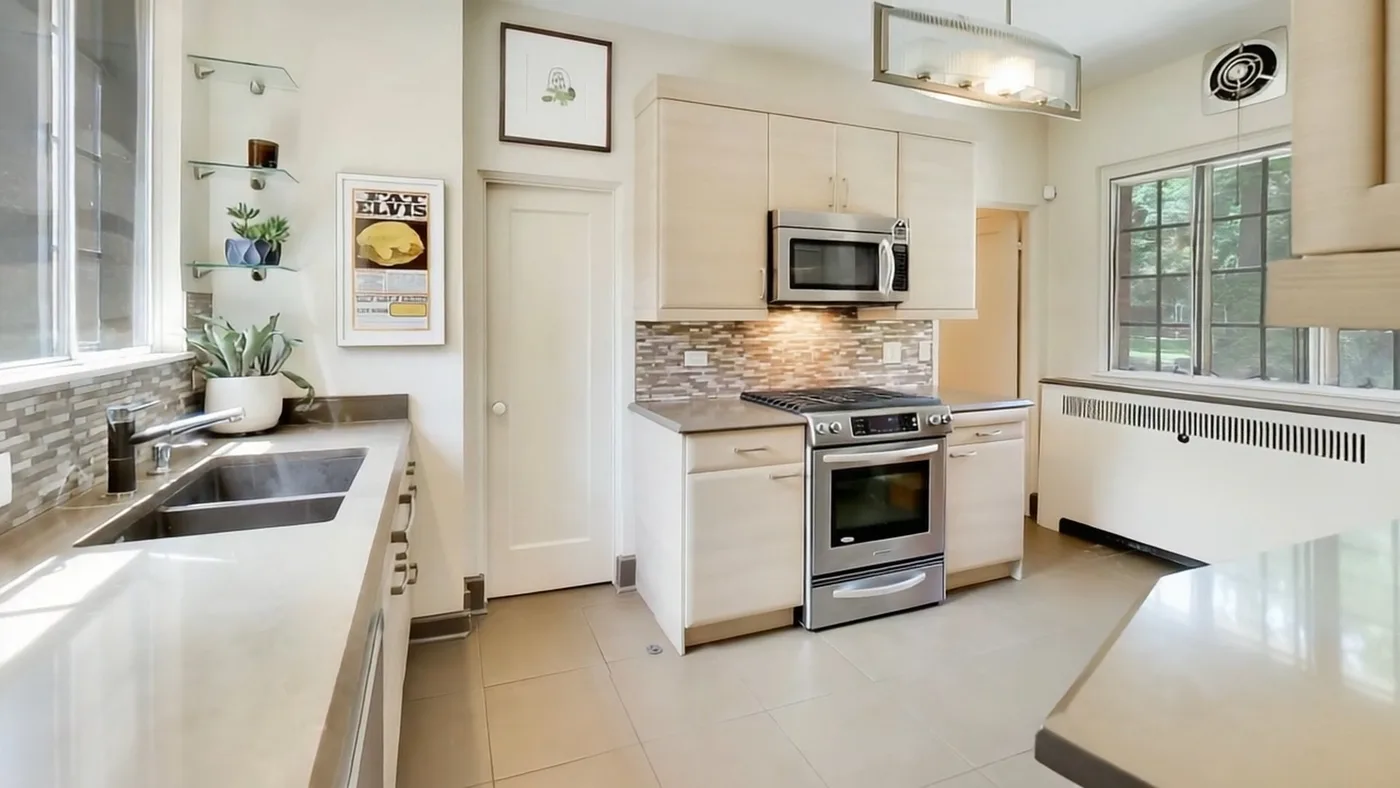
Counters, cabinetry and the rear wall create strong perspective cues instead of presenting the room as one close surface.
Motion-constrained inputs: when the frame has nowhere to travel
These five source images are useful precisely because they are real. They show recurring situations seen in user uploads: a blank or tiled wall consuming most of the image, a door photographed at very close range, a facade presented as one flat front plane, or a room cropped before its depth becomes visible.
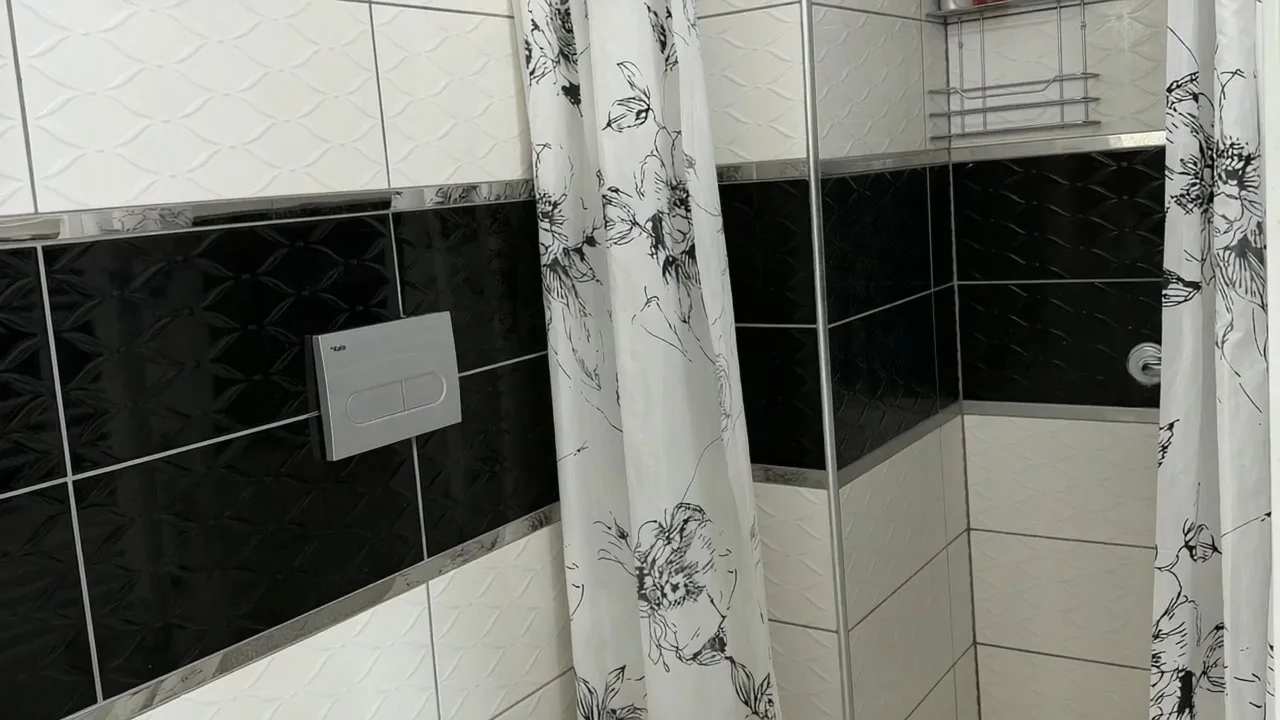
More than half of the image is occupied by a near wall surface. With little distance between near and far elements, there is less visible depth for camera-like movement to reveal.
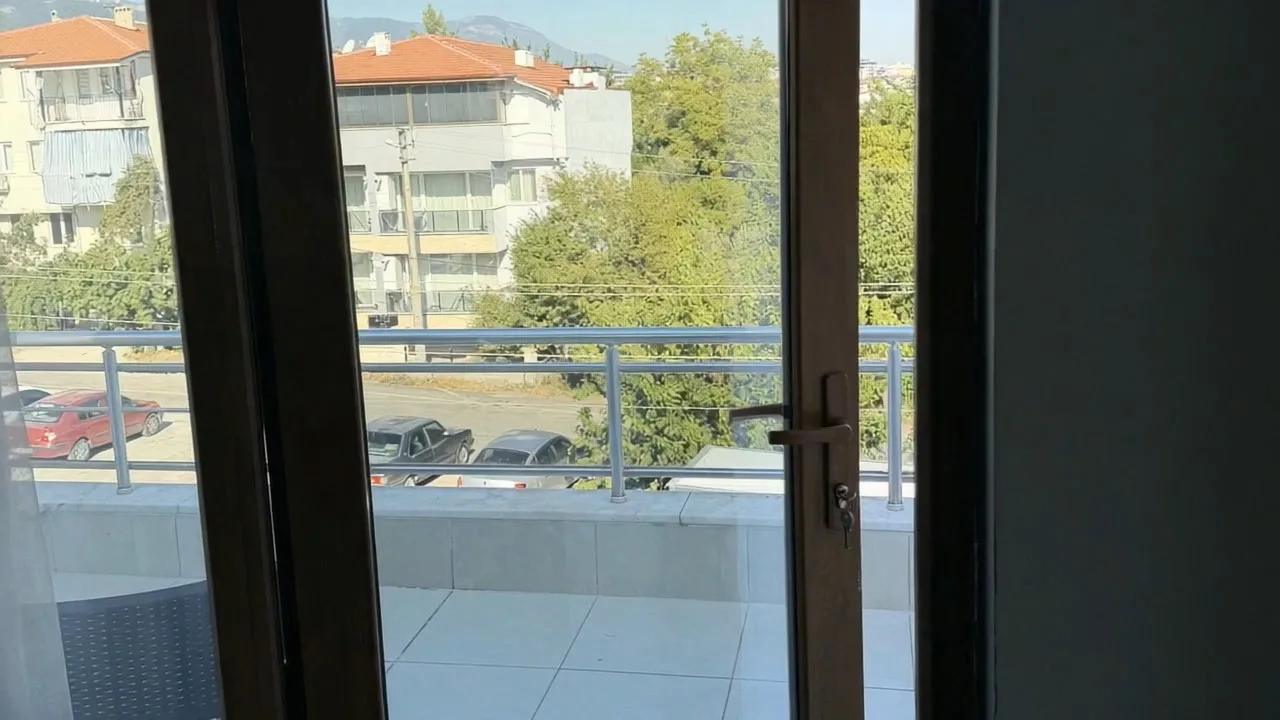
The near door frame occupies much of the composition and limits the usable scene behind it. A wider position would expose more room-to-balcony relationship.
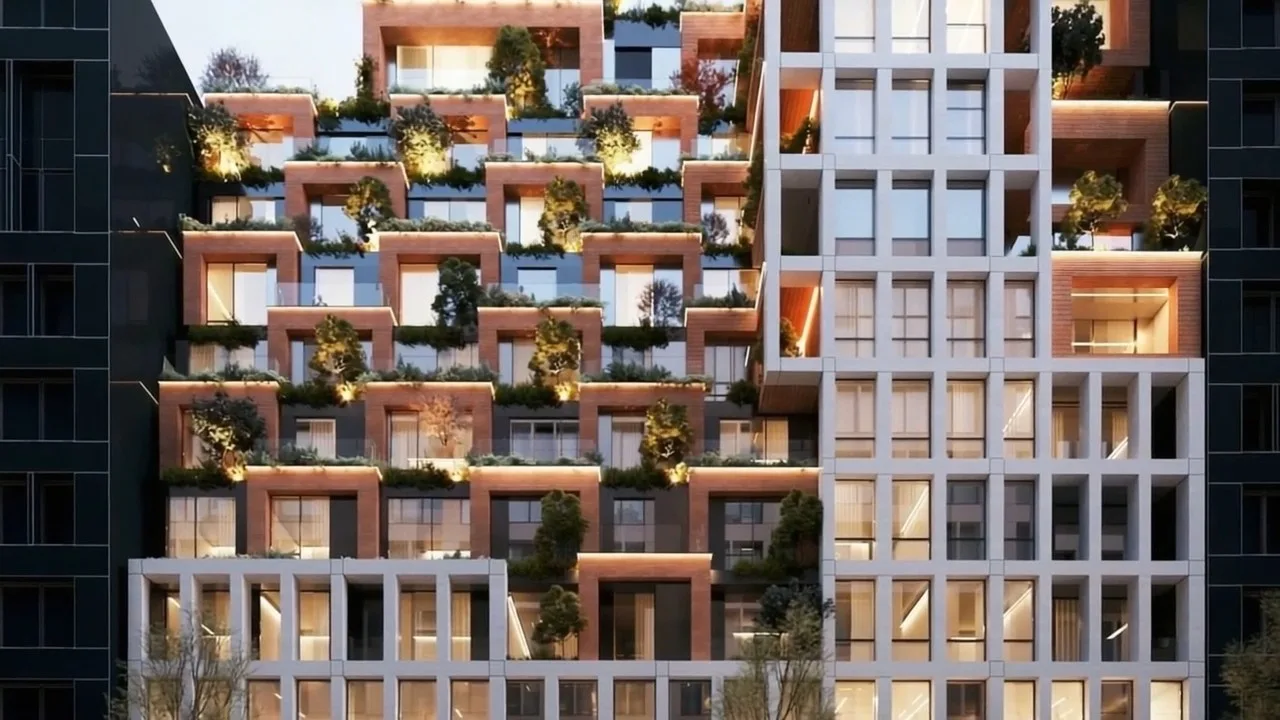
A front-facing exterior/render can still be usable, but when the building occupies nearly the whole frame there is little foreground-to-background separation for stronger parallax-like motion.
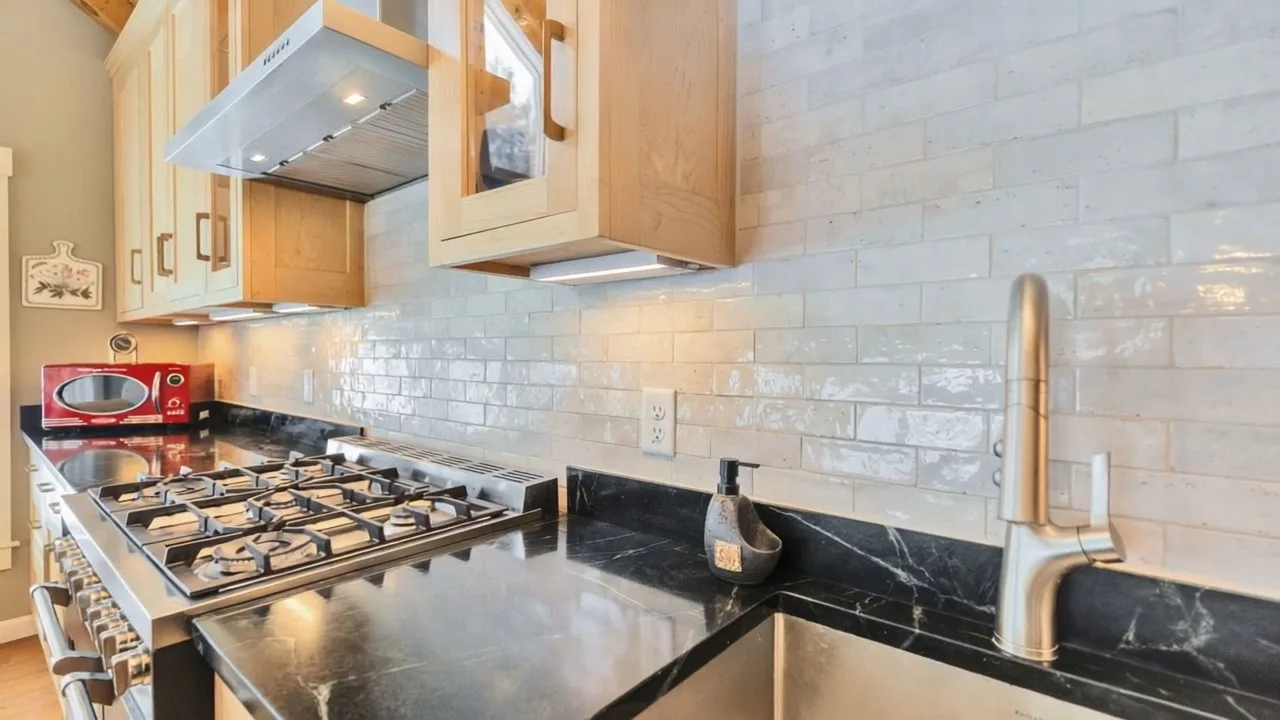
This frame contains useful geometry, yet stepping back roughly one or two metres would have shown more counter depth, cabinetry relationships and room boundaries.
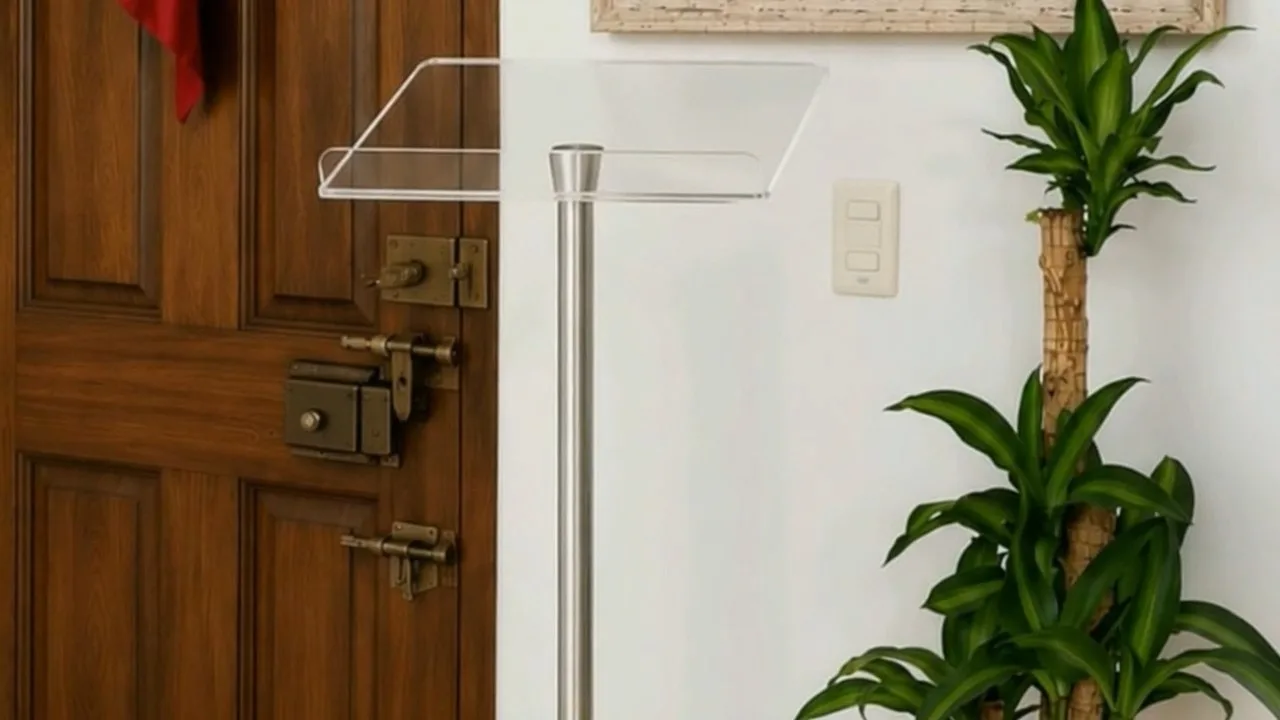
The door becomes the dominant near plane and the surrounding space contributes little additional depth, so movement has less spatial information to work with.
Four practical ways to improve the source before generation
- Step back when possible. A wider shooting position can reveal foreground, mid-ground and background relationships that disappear in a close crop.
- Keep useful room boundaries visible. Doorways, cabinetry, floor lines, windows and furniture edges help communicate real geometry when they are not cut off unnecessarily.
- Protect exposure and resolution. Darkness and small source files remove detail before motion generation begins; software cannot recover spatial information that is not visible in the input.
- Choose the informative angle, not merely the closest angle. For video, the frame that explains how a space is organised can be more useful than a tight detail image of one feature.
What this comparison can—and cannot—tell us
This page documents a repeated production pattern observed in AbodeVid testing and real user outputs: spatially rich source frames tend to provide more material for cinematic motion than wall-heavy, very tight or low-information compositions. It is not a controlled scientific benchmark, and it does not prove that every wide image will outperform every close image. Property type, lighting, source resolution and scene content still matter, so every finished video should be reviewed against its original photography.